
 Get a Quote
Best Dedicated Hosting Providers in 2026

If your website handles high traffic, sensitive customer data, or business-critical applications, shared hosting is often no longer enough. That’s when dedicated hosting becomes a smarter business decision, not just a technical upgrade.
For e-commerce stores, SaaS platforms, and enterprise applications, stable performance and stronger security are not optional- they directly affect revenue and customer trust. Dedicated hosting gives you full server resources, stronger isolation, and better control over uptime and security.
The dedicated server hosting market is projected to grow from $20.04 billion in 2025 to $23.94 billion in 2026 at a 19.4% CAGR, showing how strongly businesses continue to invest in dedicated infrastructure. Also, it reflects the broader trends shaping the web hosting industry.
In this guide, we break down the five best dedicated hosting providers in 2026 to help you choose the right platform for long-term growth.
Quick Answer for Busy Buyers
- Best overall dedicated hosting: Liquid Web
- Best for custom infrastructure and global reach: HostDime
- Best SMB managed dedicated hosting: InMotion Hosting
- Best premium WordPress alternative: Kinsta
- Best enterprise WordPress alternative: WP Engine
Top 5 Dedicated Hosting Providers in 2026 at a Glance
| Provider | Best for | Starting Price | Management Type | Strength | Limitation |
| Liquid Web | Best Overall Dedicated Hosting | $205.70/mo | Fully Managed | 100% network uptime SLA with strong support | Higher pricing |
| HostDime | Custom Infrastructure & Global Reach | $129/mo (self-managed) / $284/mo (managed) | Managed & Unmanaged | Global data centers, high customization, and hybrid infrastructure | Less beginner-friendly |
| InMotion Hosting | SMB Managed Dedicated Hosting | $169.98/mo | Managed | NVMe performance, transparent hardware, strong SMB support | Limited enterprise-level customization |
| Kinsta | Premium WordPress Alternative | $300/mo (add-on) | Managed (WordPress) | Google Cloud infrastructure, high WP performance, auto scaling | Not traditional dedicated hosting (WordPress-only) |
| WP Engine | Enterprise WordPress Hosting | $400/mo | Managed (WordPress) | Enterprise workflows, strong security, 99.95% uptime SLA | Premium pricing, WordPress-only |
What is Dedicated Hosting & Why You Need It?
Dedicated hosting is a type of web hosting where your business gets an entire physical server for its own use, unlike most web hosting services that rely on shared resources.
Unlike shared hosting or many VPS hosting environments, no other customers share your CPU, RAM, storage, or bandwidth. This makes dedicated web hosting a stronger option in terms of performance consistency, better security control, and more flexibility for custom workloads.
Compared to a basic shared hosting plan, the difference in resource availability and isolation is significant.
Many web hosting providers offer this as a premium tier within their broader hosting service portfolio. This matters because even small performance issues can become expensive.
For example:
- 99.9% uptime means about 8.7 hours of downtime per year
- 99.99% uptime reduces that to about 52 minutes per year
For an e-commerce business or growing online stores, that difference can directly affect revenue.
Dedicated hosting is often used when businesses need:
- high traffic handling
- stronger compliance support
- custom software environments
- predictable performance
- advanced security controls
- full server-level access
This is why many dedicated hosting providers position their offerings as the best dedicated server hosting solution for performance-critical workloads. It is not the cheapest option, but for the right workloads, it is often the safer long-term investment.
Who Actually Needs Dedicated Hosting
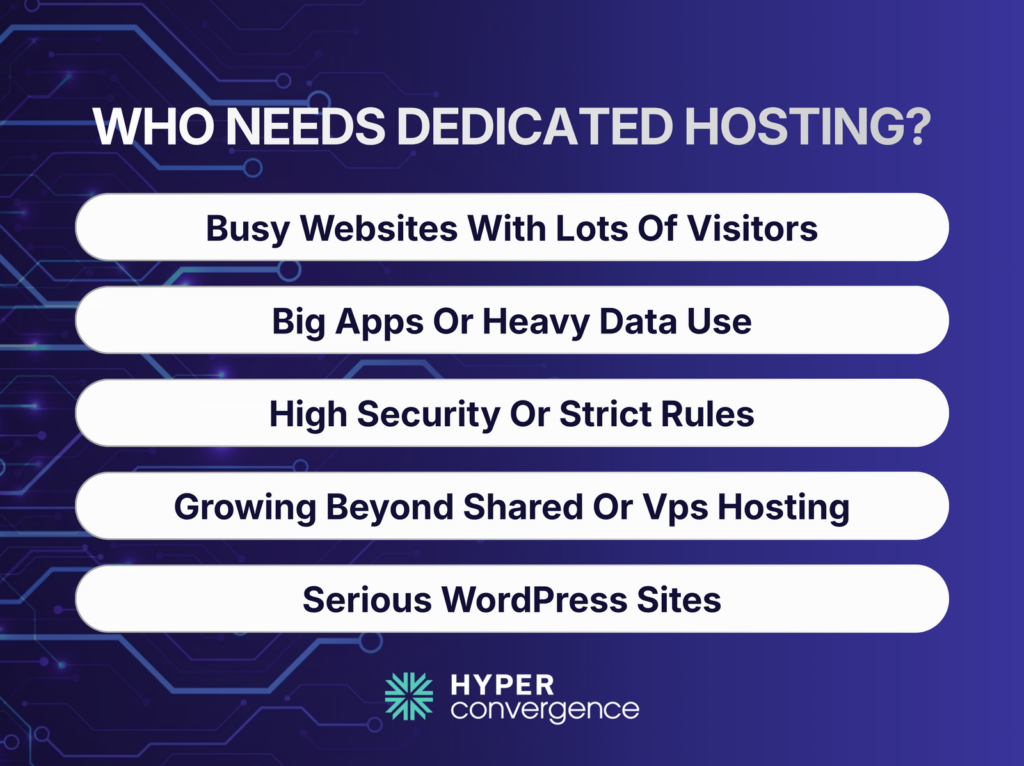
Dedicated hosting is usually the right fit for:
- High-traffic ecommerce and content sites
- Custom applications and large databases running on a custom dedicated server
- Compliance-sensitive or performance-sensitive workloads
- Teams that have outgrown shared hosting, VPS, or standard managed hosting
- Teams choosing between dedicated server plans and scalable alternatives
- Businesses comparing different web hosting companies for long-term infrastructure
- WordPress businesses that may still want to compare Kinsta or WP Engine instead of traditional WordPress hosting plans
Common Dedicated Hosting Buying Mistakes
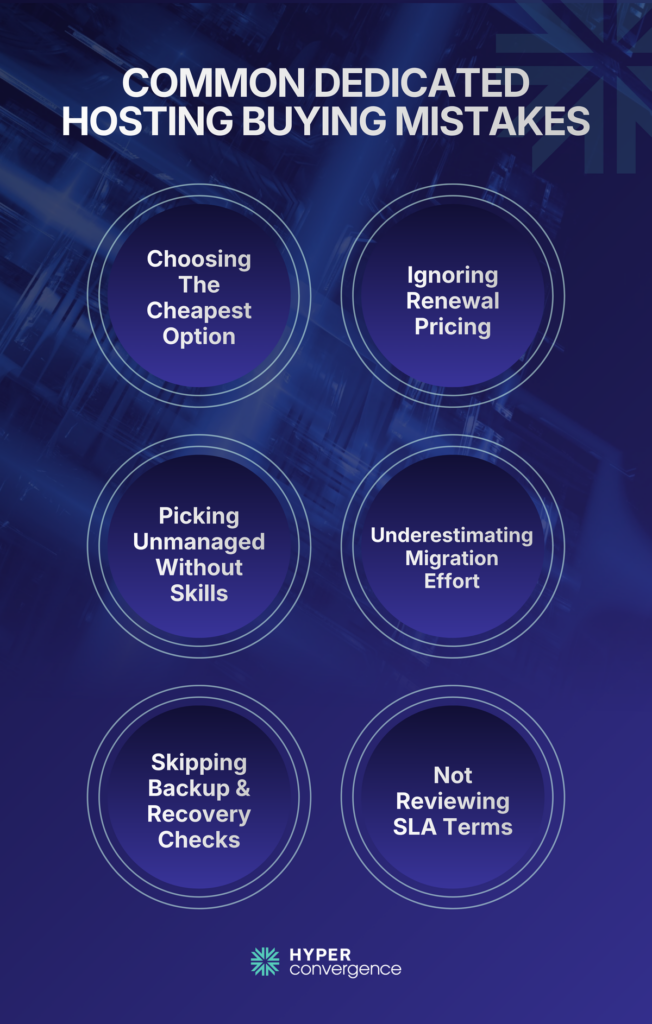
Most buyers focus only on monthly pricing. That creates problems later. Here are the common mistakes you should avoid while choosing among different dedicated hosting plans:
- Choosing Based Only on Lowest Price
Cheap servers often mean weak support, older hardware, or poor network quality.
- Ignoring Renewal Pricing
Intro pricing can be very different from long-term pricing. So, always ask for renewal terms.
- Buying Unmanaged Hosting Without Internal Expertise
Root access sounds great until patching, server maintenance, and downtime become your responsibility.
- Underestimating Migration Complexity
Migration support matters more than many buyers expect, as downtime during migration can be really expensive.
- Ignoring Backup and Disaster Recovery
Remember, dedicated hosting does not automatically mean good backup protection. You should also ask about:
- backup policies
- recovery testing
- restore speed
- disaster recovery options
- Not Reviewing SLA Terms
“99.99% uptime” means little without real SLA (Service Level Agreement) details behind it. Always review the contract.
Dedicated Hosting vs Managed Hosting vs Bare Metal vs Managed WordPress
As buyers, you can easily get confused among these terms as they are related in many ways. However, they are not the same.
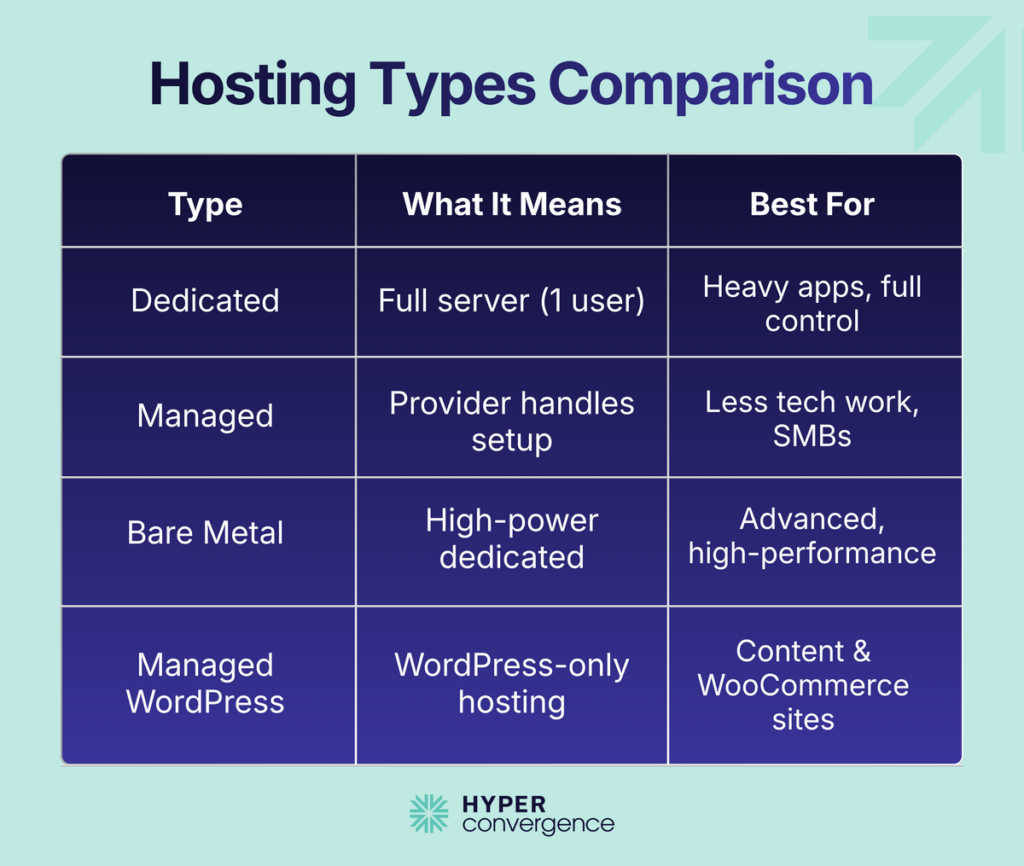
Dedicated Hosting
A full physical server assigned to one customer.
Best for:
- custom applications
- e-commerce platforms
- enterprise workloads
- compliance-heavy businesses
Managed Hosting
The provider handles server maintenance, monitoring, updates, security patches, and support as part of its managed services.
Best for:
- SMBs without large internal IT teams
- buyers who want less operational work
Bare Metal
Bare metal is usually a high-performance and one of the best dedicated server setup with deeper infrastructure control and fewer abstraction layers.
Best for:
- virtualization-heavy environments
- performance-sensitive applications
- enterprise infrastructure teams
Managed WordPress Hosting
A WordPress-specific hosting package designed specifically for WordPress websites, often bundled with email hosting and optimization tools.
Best for:
- content-heavy businesses
- large WooCommerce stores
- marketing-driven organizations
Kinsta and WP Engine fit here. They are not traditional dedicated hosting providers, but they are often stronger choices for WordPress-heavy businesses.
How to Choose the Right Dedicated Hosting – Key Things to Consider
Before deciding which dedicated hosting you will pay for, consider the following factors:
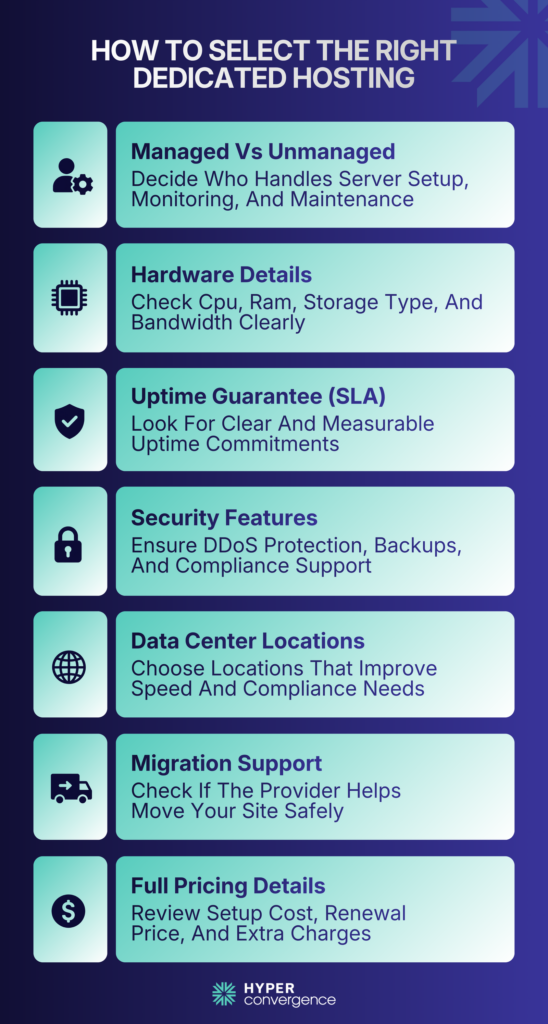
Managed vs Unmanaged
This is usually the most important decision. If your team is small, managed hosting is usually the safer choice because the provider handles more of the monitoring, support, and server work, including server configuration and updates.
Liquid Web and InMotion both lean into managed dedicated hosting, while HostDime gives buyers both managed and self-managed options.
Hardware Transparency
Look for clear product pages that show:
- CPU generation
- RAM allocation
- NVMe or SSD storage
- RAID setup
- bandwidth or data transfer limits
Avoid vague plans with unclear hardware details. InMotion, HostDime, and Liquid Web all publish concrete server specs on their dedicated pages, which makes comparison easier.
Uptime Guarantees
Ask for real SLA terms. Network uptime guarantees should be clear and measurable, not just marketing language.
Liquid Web offers a 100% network uptime SLA, while WP Engine guarantees 99.95% service availability, giving buyers a stronger benchmark for comparison.
Security and Compliance
Check for:
- DDoS protection
- firewall management
- backup support
- compliance certifications
These points matter more when the workload is customer-facing or regulated. Liquid Web is especially strong here because it includes DDoS protection, backups, and compliance-focused positioning.
Data Center Locations
Server location affects latency, performance, and compliance. Global businesses usually need more location flexibility, which is why HostDime’s presence across 10 locations is important.
Migration Help
Migration support saves time and reduces risk. It is often one of the biggest buying factors because the move itself can create downtime if it is not handled well. InMotion includes Launch Assist, and WP Engine includes managed bulk migrations on its Core plan.
Real Pricing Clarity
Look beyond the monthly server cost. Ask about:
- setup fees
- support costs (including availability of phone support)
- backup pricing
- upgrade costs
- renewal pricing
This is where many buyers make mistakes. InMotion’s pricing page shows both intro and renewal pricing, and HostDime clearly separates self-managed and managed entry prices.
Best Dedicated Hosting Providers in 2026- Top 5 Picks
Here are our top 5 dedicated hosting providers who offer business-ready support:
1. Liquid Web — Best Overall Dedicated Hosting Provider
Overview
Liquid Web stands out as one of the most reliable dedicated hosting providers for SMBs and high-demand workloads. It focuses heavily on fully managed infrastructure, making it a strong fit for businesses that cannot afford downtime or technical gaps.
The provider is known for its premium support model, enterprise-grade hardware, and hands-on migration assistance, which reduces risk during server transitions. Also, it includes tools like a control panel for easier server management.
Key Strengths
- Managed dedicated hosting with proactive monitoring
- Liquid Web markets its dedicated plans with 99.99% uptime, public SLA includes a 100% network uptime commitment.
- Strong compliance support (PCI, HIPAA-ready environments)
- Free migration handled by in-house engineers
- High-performance infrastructure with SSD/NVMe storage
Limitations
- Higher pricing compared to entry-level providers
- It may be excessive for very small or low-traffic businesses
Pricing: The featured entry plan starts at $205.70/month and includes 16 GB memory, 480 GB SSD, 10 TB bandwidth, cPanel, root access, DDoS protection, and 500 GB of Acronis backups. (source)
Best For: Businesses that prioritize uptime, support quality, and operational stability over cost savings.
👉 Choose Liquid Web if reliability and hands-on support matter more than the lowest monthly price.
2. HostDime — Best for Infrastructure Flexibility and Global Reach
Overview
HostDime is built for businesses that need more than standard hosting. It operates as a full infrastructure provider, offering dedicated servers, private cloud, colocation, and hybrid deployments, making it a strong alternative to traditional cloud hosting setups.
Its strength lies in customization and global presence, making it suitable for companies with compliance requirements or multi-region operations. This flexibility helps businesses choose the right dedicated server based on workload needs and growth expectations.
Key Strengths
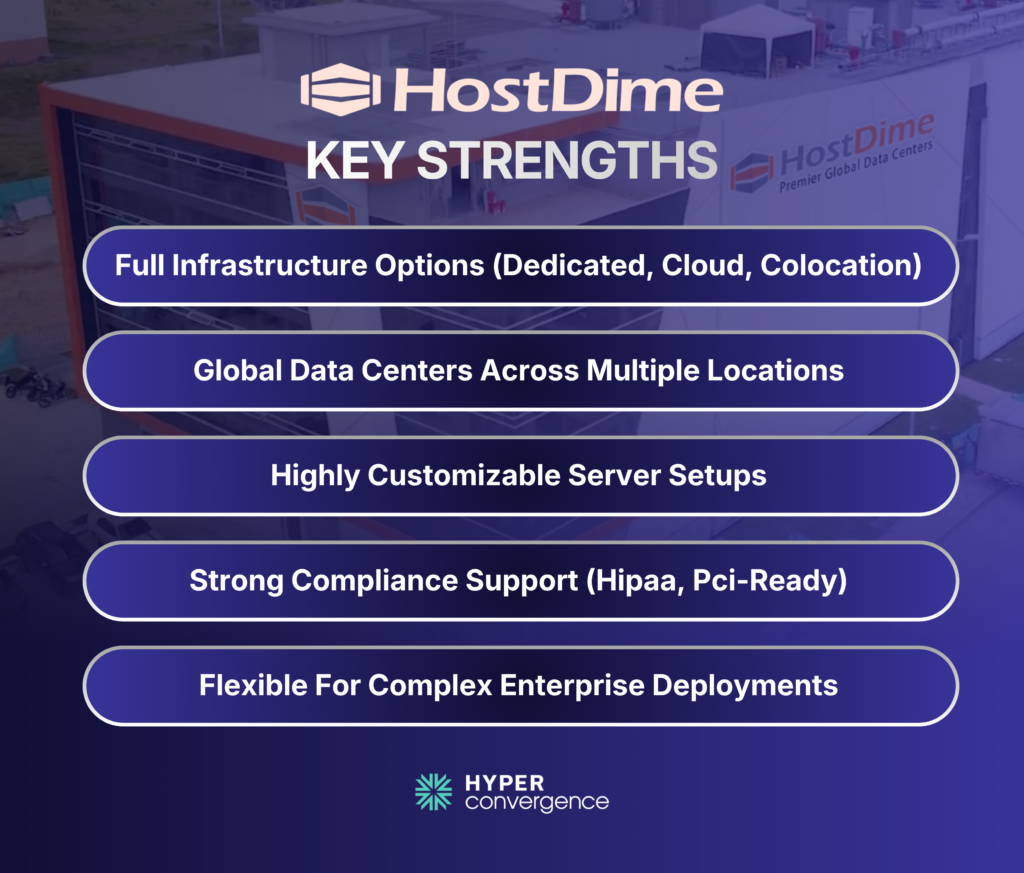
- Dedicated hosting, colocation, and private cloud in one ecosystem built on enterprise-grade dedicated hardware
- Presence across 10 global data center locations, supported by a strong global network
- Custom-built infrastructure solutions with flexible custom configurations
- Strong compliance-ready environments (HIPAA, PCI support)
- High flexibility for enterprise deployments, including support for bare metal servers
Limitations
- Less beginner-friendly compared to most hosting companies
- Entry pricing is public, but more customized deployments often require consultation
Pricing: The entry self-managed server starts at $129/month with 4 CPU cores, 16 GB of RAM, and a 480 GB SSD or a 1 TB SATA3 HDD. The equivalent managed tier starts at $284/month and adds managed service plus a hosting control panel.
Best For: Businesses with multi-location infrastructure, compliance needs, or highly customized setups that require reliable performance and scalable environments.
👉 Choose HostDime if infrastructure flexibility and global deployment options are critical.
3. InMotion Hosting — Best SMB Managed Dedicated Hosting Option
Overview
InMotion Hosting offers a strong balance between performance, support, and affordability. It is particularly well-suited for SMBs that want managed dedicated hosting without enterprise-level costs, especially for high-traffic sites and growing website pages.
Its onboarding process and support structure make it accessible even for teams without deep technical expertise or advanced server management skills.
Key Strengths
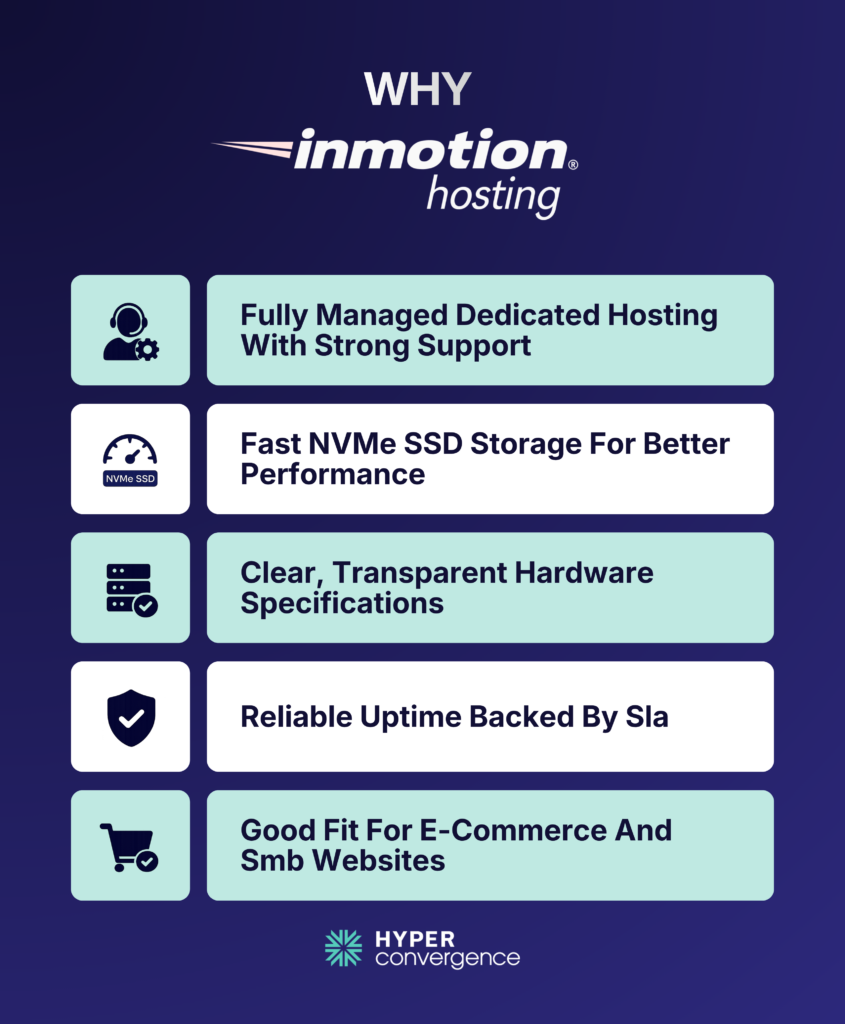
- Managed dedicated hosting with technical support from an experienced support team
- NVMe SSD infrastructure for improved and consistent performance
- Transparent hardware configurations with clear resource allocation, like storage space
- Reliable uptime commitments backed by SLA
- Good support for e-commerce and business websites, including handling multiple sites under one hosting account
Limitations
- Not as enterprise-focused as premium providers like Liquid Web
- Fewer advanced infrastructure customization options
Pricing: The Essential Premier Care managed dedicated plan is listed at $169.98/month, with transparent pricing and renewal at $189.98/month for a 12-month term, and it includes 64 GB DDR4 RAM, 2 TB SSD, 1 Gbps unmetered bandwidth (similar to unlimited bandwidth use cases), 5 dedicated IPs, cPanel Dedicated Premier, and 500 GB of backup storage.
This makes it a practical entry point when evaluating overall dedicated hosting cost and long-term hosting cost.
Best For: SMBs that want predictable support, solid performance, and manageable pricing while evaluating the best dedicated server option for growth.
👉 Choose InMotion Hosting if you want a balance between cost and managed support.
4. Kinsta — Best Premium Managed WordPress Alternatives to Dedicated Hosting
Overview
Kinsta is not traditional dedicated hosting, but for WordPress-focused businesses, it often delivers better performance and simplicity. It runs entirely on the Google Cloud Platform, using premium-tier infrastructure optimized for speed and reliability.
Instead of managing servers, users get a fully optimized environment tailored for WordPress performance, similar to premium dedicated server hosting services but abstracted for ease of use.
Key Strengths
- Managed WordPress hosting with automatic scaling
- Built on Google Cloud’s premium network
- Daily backups and staging environments included
- Advanced caching and performance optimization powered by litespeed servers and modern stack alternatives
- Developer-friendly tools and workflows
Limitations
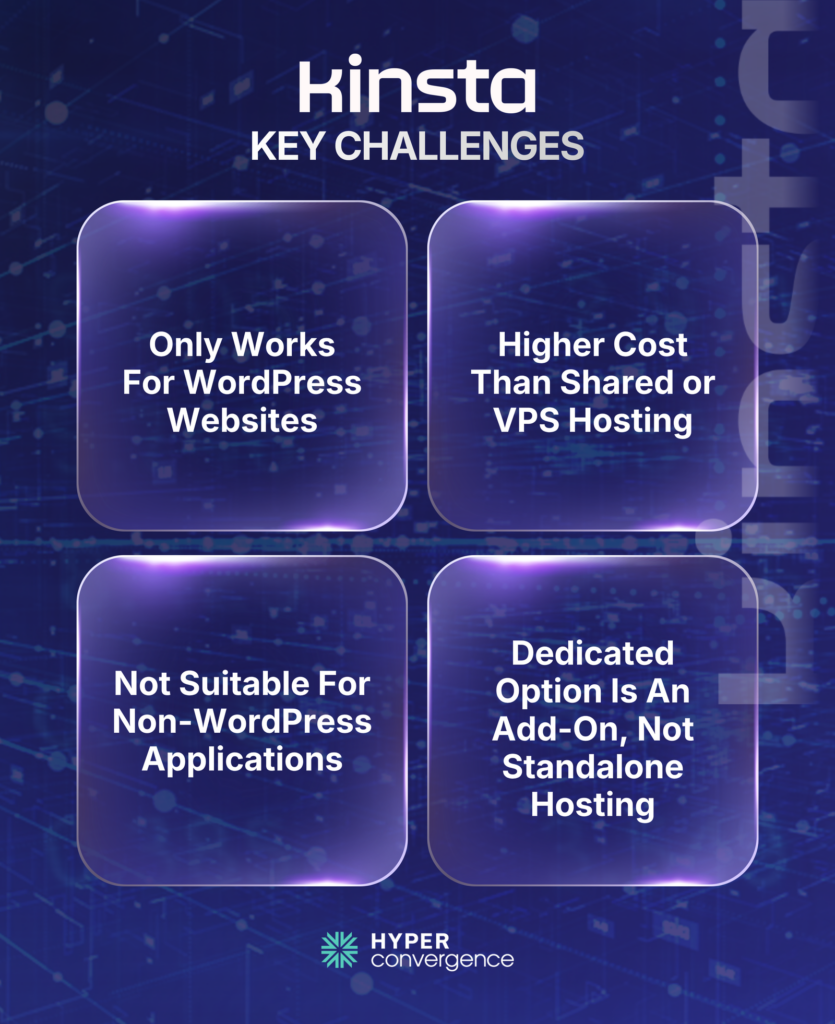
- Not suitable for non-WordPress applications
- Premium pricing compared to shared or VPS hosting
Pricing: Kinsta’s dedicated hosting page says the Dedicated WordPress Hosting add-on starts at $300/month, billed as an add-on to your hosting plan.
Best For: Businesses where WordPress performance directly impacts conversions or revenue, especially those optimizing dynamic content with litespeed web servers or similar technologies.
👉 Choose Kinsta if your entire workflow depends on WordPress speed and reliability.
5. WP Engine — Best for Enterprise WordPress Hosting
Overview
WP Engine is designed for larger WordPress environments that require governance, scalability, and structured workflows. It is widely used by enterprises managing high-traffic, content-heavy platforms.
The platform focuses on performance, security, and team collaboration features, including flexibility in choosing the right operating system environment for deployment layers.
Key Strengths
- Enterprise-grade managed WordPress hosting
- Advanced staging and development workflows
- Strong security architecture and threat detection
- WP Engine SLA guarantees 99.95% uptime
- Scalable infrastructure for traffic spikes
Limitations
- Premium pricing
- Limited to WordPress environments
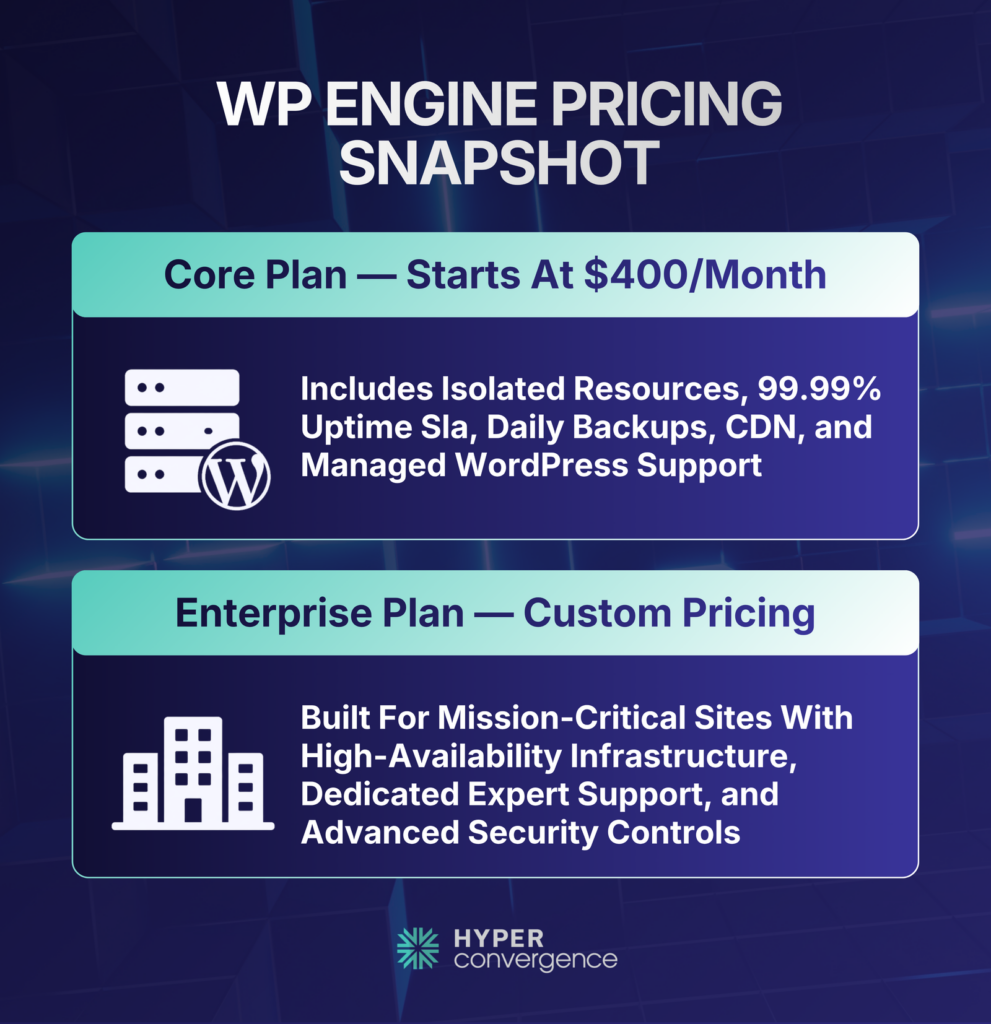
Pricing: WP Engine’s Core plan starts at $400/month and includes isolated resources, advanced monitoring alerts, managed bulk migrations, and access to extensions like failover and high availability.
Best For: Large businesses or teams running complex WordPress operations that require performance comparable to the best dedicated server environment.
👉 Choose WP Engine if enterprise-level WordPress management and scalability are priorities.
How We Picked These Dedicated Hosting Providers
This shortlist was built around buyer fit, not broad popularity. We scored dedicated hosting providers based on:
- dedicated infrastructure quality
- pricing clarity
- support quality
- uptime reliability
- compliance readiness
- migration support
- SMB fit
- value for money
Basically, we focused on realistic purchase decisions, not on generic affiliate rankings.
Which Dedicated Hosting Provider Should You Choose?
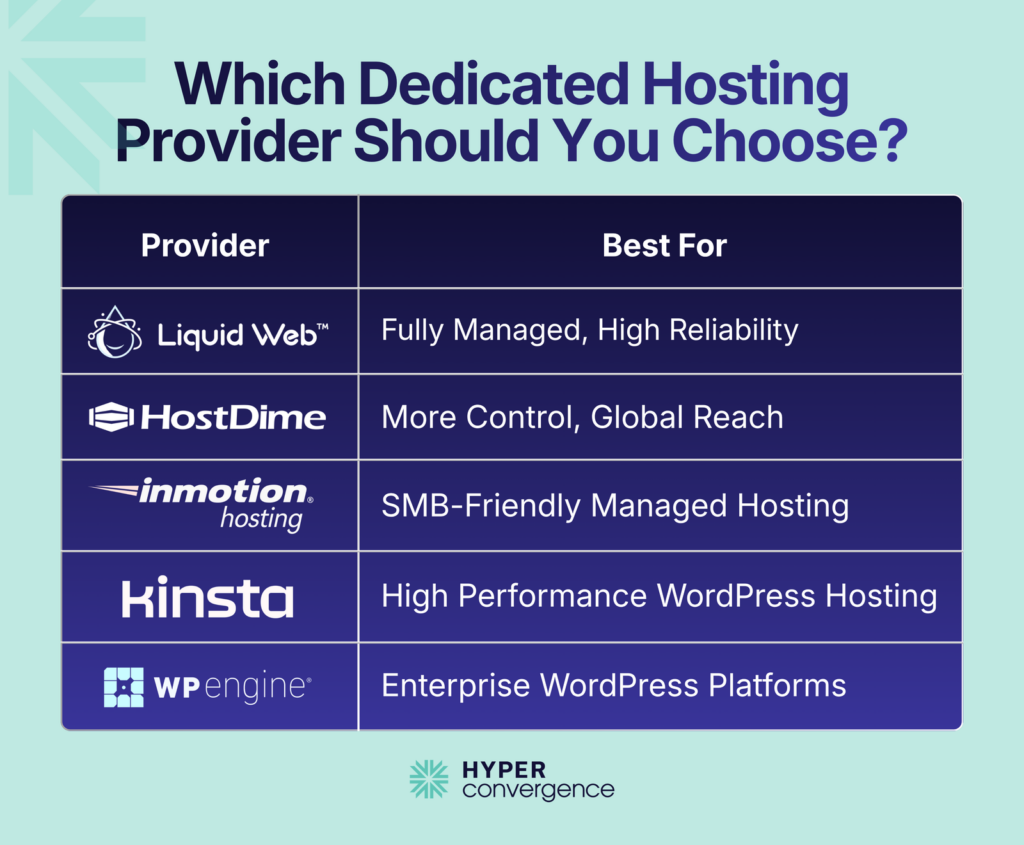
- Choose Liquid Web if you want the best all-around managed dedicated server.
- Choose HostDime if you want more control and more global deployment flexibility.
- Choose InMotion Hosting if you want the best SMB-friendly managed dedicated option.
- Choose Kinsta if you run a high-stakes WordPress site and want premium managed performance.
- Choose WP Engine if you want enterprise-grade WordPress hosting with stronger platform services.
Conclusion
There is no single dedicated hosting provider that fits every business. The right choice depends on what you are actually buying: a fully managed dedicated server, a more flexible direct provider, an SMB-friendly managed platform, or a WordPress-first alternative with isolated resources.
For most businesses that truly need dedicated hosting, Liquid Web, HostDime, and InMotion Hosting are the right place to start. For WordPress-first workloads, Kinsta and WP Engine are often the better shortlist.
The best buying move is to compare the full package, not just the base monthly price. Look at management, backups, renewal pricing, migration help, bandwidth, security extras, and how much work your own team will still need to do after launch. That is the difference between buying more servers and buying the right hosting platform.
FAQs
Dedicated hosting is a single-tenant server where your workloads run on hardware that is not shared with other customers, which gives more control over performance, security settings, and customization than shared hosting or many VPS setups.
Dedicated hosting fits teams with steady, predictable workloads, strict compliance or isolation needs, or performance requirements that make shared resources risky, while cloud often fits bursty or rapidly changing capacity needs.
Provider comparisons usually come down to support model (managed vs unmanaged), network quality, DDoS options, hardware refresh choices, data center geography, contract flexibility, and whether SLAs and credits are written clearly enough to enforce.
Yes, when your team lacks deep Linux or Windows server operations capacity, because managed plans shift patching, monitoring, and incident handling work toward the provider, which changes real operational outcomes during outages or attacks.
It depends on your application, but published examples show how widely terms vary, such as Liquid Web’s 100% network uptime SLA and OVHcloud’s dedicated server SLA range of 99.90% to 99.99%, depending on the server range.
Common shortlists often include Liquid Web, IONOS, and InMotion Hosting, with quick reference points like IONOS dedicated servers starting at US$70/mo and InMotion dedicated hosting starting at US$124.99/month in TechRadar’s review.
It depends on app complexity and downtime tolerance, and the practical approach is a staged cutover with DNS TTL planning, data sync, and rollback steps, since mistakes usually come from database state, email routing, and hidden dependencies.
No, and many teams run dedicated servers without a panel, but a panel can reduce routine admin friction for common web stacks, so the decision mainly depends on who maintains the server day to day and how standardized your deployment process is.
Ask what support is included in writing, what response-time targets exist, and how escalation works, since some providers publish concrete promises such as TechRadar’s note of a 59-second support response target for Liquid Web.
Ask how SLAs are credited, what counts as “network” versus “service” availability, what remote hands or incident support costs, and what baseline SLA is included, since Leaseweb states its Basic SLA is free of charge with all dedicated servers.

Tanzia Tarin
web









[…] or dedicated physical resources can also consider dedicated hosting. Our guide to the best dedicated hosting providers compares leading providers based on performance, pricing, security, and […]