Best Backup & Disaster Recovery Solutions for SMBs in 2026
Small and mid-sized businesses are no longer low-value targets for cyberattacks. They are often easier to breach and slower to recover.
Recent data shows:
- Cyberattacks on SMBs increased 16% in 2025
- The average breach cost reached $140,000
- Ransomware is now involved in 44% of breaches (source)
At the same time, downtime has become a business risk, not just an IT issue. Long-term data loss significantly increases the risk of business closure, especially for smaller companies.
This is why SMB buyers are moving toward backup and disaster recovery (BDR) instead of basic backup tools.
If you need a platform that combines backup, disaster recovery, and ransomware protection in one system, check out the following list of the best backup and disaster recovery solutions for SMBs in 2026.
Common Backup and Disaster Recovery Challenges for SMBs
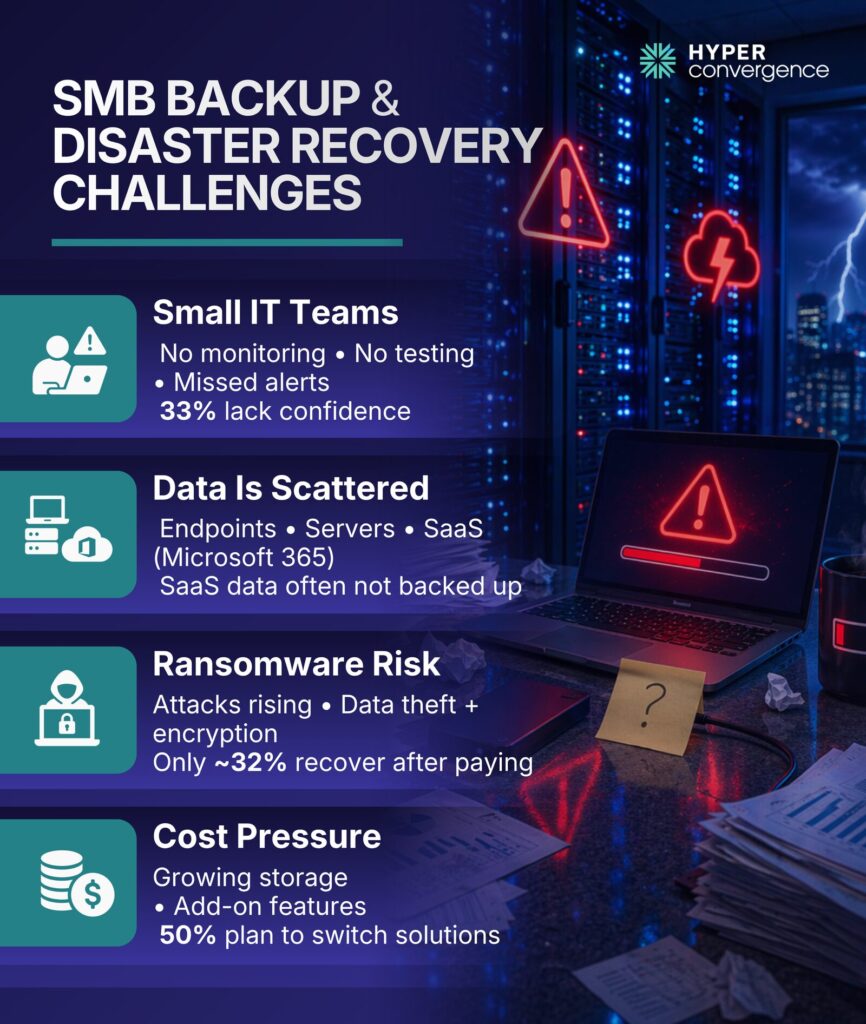
Most SMBs face the following challenges in terms of backup and disaster recovery:
Limited IT Staff
Most SMBs operate with small IT teams. Many rely on MSPs or generalist staff, which makes strong backup and recovery planning difficult without dedicated specialists.
This creates gaps:
- Backups are not monitored regularly
- Recovery processes are not tested
- Alerts are ignored or delayed
- Automatic backups are often misconfigured or left unchecked
A survey of IT professionals found that 33% lack confidence in their backup readiness. Many businesses also struggle with lifecycle management, especially when old systems and new platforms must work together.
Backup Gaps Across Endpoints, Servers, and SaaS
SMB data is fragmented across:
- Endpoints (laptops, desktops)
- Servers and VMs
- SaaS platforms like Microsoft 365
- Cloud servers running business applications
This creates data silos, where critical files are spread across disconnected systems and become harder to protect.
Many SMBs assume SaaS platforms handle backup. In reality, providers operate under a shared-responsibility model, in which data protection remains the customer’s responsibility, resulting in a common gap: SaaS data is often not backed up independently, especially across different operating systems.
Downtime Risk and Ransomware Exposure
Ransomware is no longer rare or simple.
Key trends:
- Ransomware is involved in a significant share of intrusion-based breaches
- Attacks increased 126% year over year
- Many attacks now include data theft, not just encryption
Even more concerning:
- Only a minority of businesses that paid ransom recovered their data (32% reportedly), leaving many with permanently lost data.
Backup alone is not enough. Recovery speed and integrity matter. SMBs need rapid recovery, instant recovery, and stronger secure backups to restore operations after attacks or major system failures.
Pricing Pressure
SMBs need predictable costs. However, in reality:
- Storage grows over time
- Recovery features are often add-ons
- Licensing models vary widely
- Hidden charges around geo-redundant storage and retention policies
According to industry reports, 50% of organizations plan to switch backup solutions for small businesses due to cost or reliability concerns.
Backup vs Disaster Recovery: What SMB Buyers Actually Need
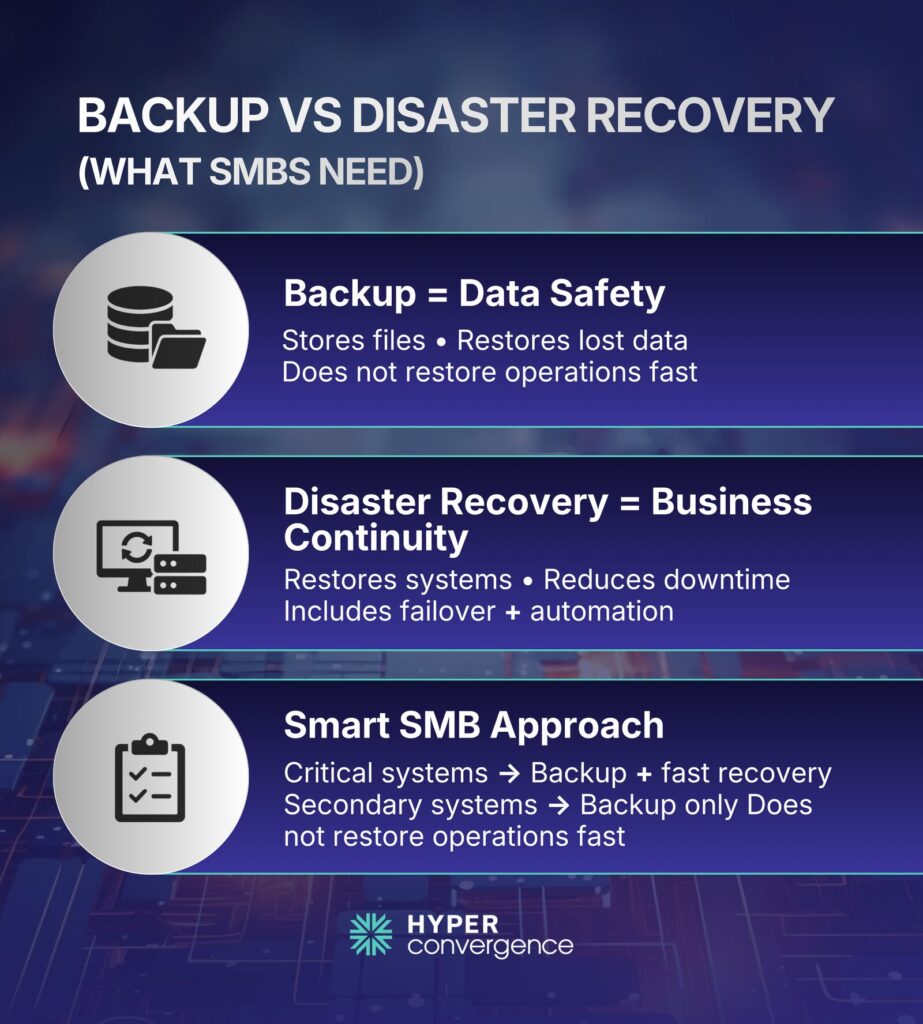
In a smaller infrastructure setup, you need to follow a smart and practical approach for BDR.
Backup Protects Data
Backup ensures:
- Files are stored safely
- Data can be restored after deletion or corruption
- Teams can back up data across endpoints, servers, and SaaS apps
Strong cloud backup solutions also help reduce dependency on a single device or location. But backup alone does not restore operations quickly.
Disaster Recovery Protects Operations
Meanwhile, disaster recovery focuses on the following:
- Restoring entire systems
- Reducing downtime
- Maintaining business continuity
- Helping businesses ensure business continuity during outages
And modern DR includes:
- Instant virtualization
- Cloud failover
- Automated recovery workflows
- Image-based backups for faster full-system restoration
Certainly, this creates more comprehensive protection than standard file backup alone.
Why Many SMBs Need Both, But Not at the Same Level
SMBs do not need full DR for every workload. To balance cost and protection, a practical SMB model looks like this:
- Critical systems → backup + fast recovery
- Secondary systems → standard backup with local backups
Many companies combine cloud-based backup solutions with on-site recovery paths for better flexibility and stronger resilience.
Common Backup Mistakes SMBs Make
The issues below appear repeatedly in real environments:
- Using cloud storage as backup instead of a real cloud backup service
- No offsite or secondary copy
- No immutable backup
- No recovery testing
- Ignoring SaaS backup
- Failing to use continuous data protection
One report found that backup systems were compromised in many ransomware cases, especially when not isolated properly
This is why modern strategies focus on layered protection that improves data security.
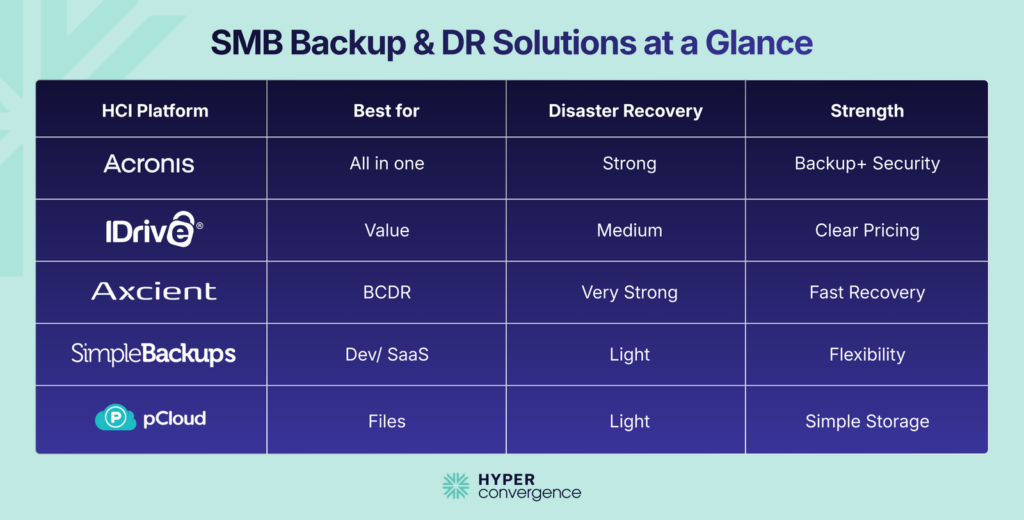
Top 5 Backup and Disaster Recovery Solutions for SMBs: Quick Comparison
| Solution | Best for | Backup Coverage | Disaster Recovery Depth | Pricing Clarity | Key Strength |
| Acronis Cyber Protect | Best overall SMB platform | Endpoints, servers, VMs, Microsoft 365, Google Workspace | Strong, with cloud DR available | Moderate | Backup, security, and DR in one platform |
| IDrive Business | Best value cloud backup | PCs, servers, NAS, Exchange, SQL, Microsoft 365 | Moderate | High | Clear pricing and broad workload support |
| Axcient x360Recover | Best BCDR for MSP-supported SMBs | Endpoints, servers, VMs, cloud workloads | Very Strong | Low | Fast RPO and RTO with strong recovery design |
| Simple Backups | Best for databases, SaaS, and server backup automation | Files, databases, storage, snapshots, selected SaaS | Light to moderate | High | Flexible backup jobs for technical SMB teams |
| pCloud Business | Best lightweight file backup and team file protection | Files, sync, sharing, version recovery | Light | Moderate | Simple cloud file protection and collaboration |
Best Backup & Disaster Recovery Solutions for SMBs in 2026
Let’s have a look at our top-listed BDR solutions for SMB buyers:
1. Acronis Cyber Protect — Best Overall Backup and Disaster Recovery Platform for SMBs
Overview
Acronis Cyber Protect is the strongest all-around choice for most SMBs because it combines backup, cyber protection, and a real path to disaster recovery on a single platform. Acronis positions it for small businesses that need to protect endpoints, physical servers, virtual machines, Microsoft 365, and Google Workspace without juggling several separate tools.
Acronis also supports local, cloud, and hybrid backup targets, giving smaller teams more flexibility when planning recovery and improving compliance requirements across regulated environments.
For SMB buyers who want broad coverage and fewer moving parts, that combination is hard to beat.
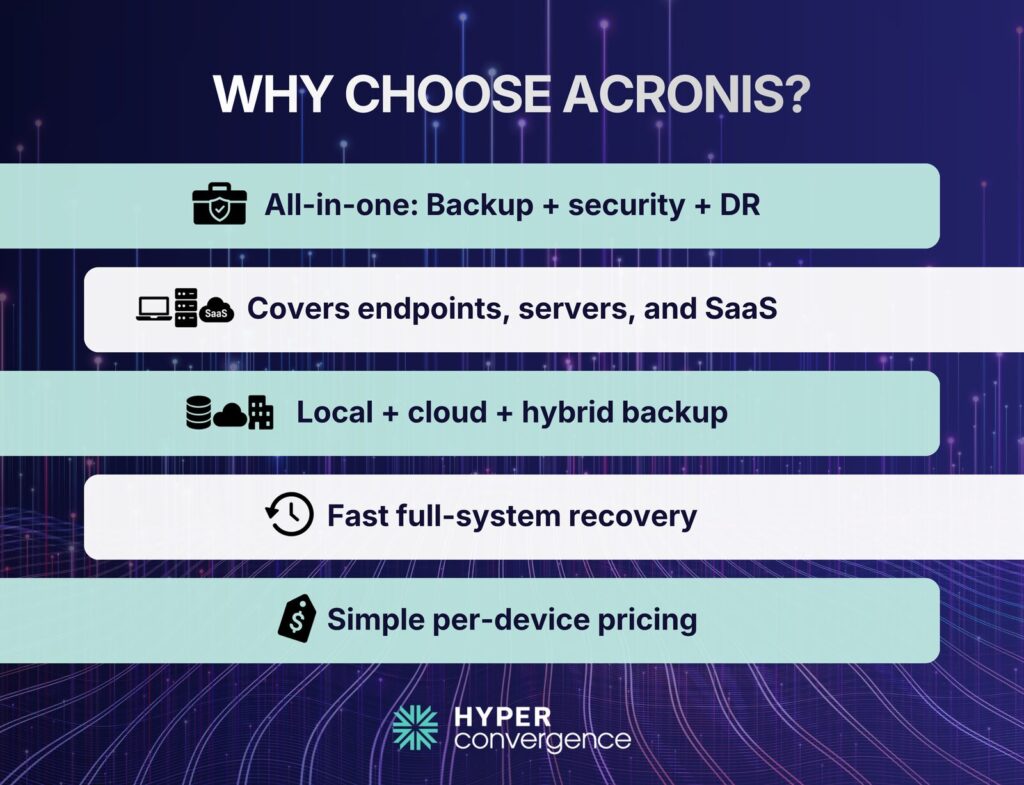
Key Strengths
- Backup, ransomware defense, and centralized management in one platform
- Supports endpoints, servers, VMware, Hyper-V, Microsoft 365, and Google Workspace
- Flexible backup destinations, including local, cloud, and hybrid options
- Disaster recovery service can spin up full production environments in minutes
- Per-device pricing is easier for SMBs to understand than many quote-led models
Limitations
- More feature-heavy than some very small teams may need
- Usually costs more than lighter cloud-backup-only tools
- Disaster recovery depth is a strength, but some SMBs may not need that full stack yet
Pricing
Subscription-based, with Acronis stating that small-business pricing starts at $85 per device per year, depending on configuration. Disaster recovery and storage needs can raise the final cost depending on what you protect.
Best for
SMBs that want one platform for backup, endpoint protection, and disaster recovery growth without adding more tools later.
👉 Choose Acronis Cyber Protect if you want the most complete SMB backup and DR platform with the least tool sprawl.
2. IDrive Business / IDrive 360 — Best Value Cloud Backup Option for Small Teams
Overview
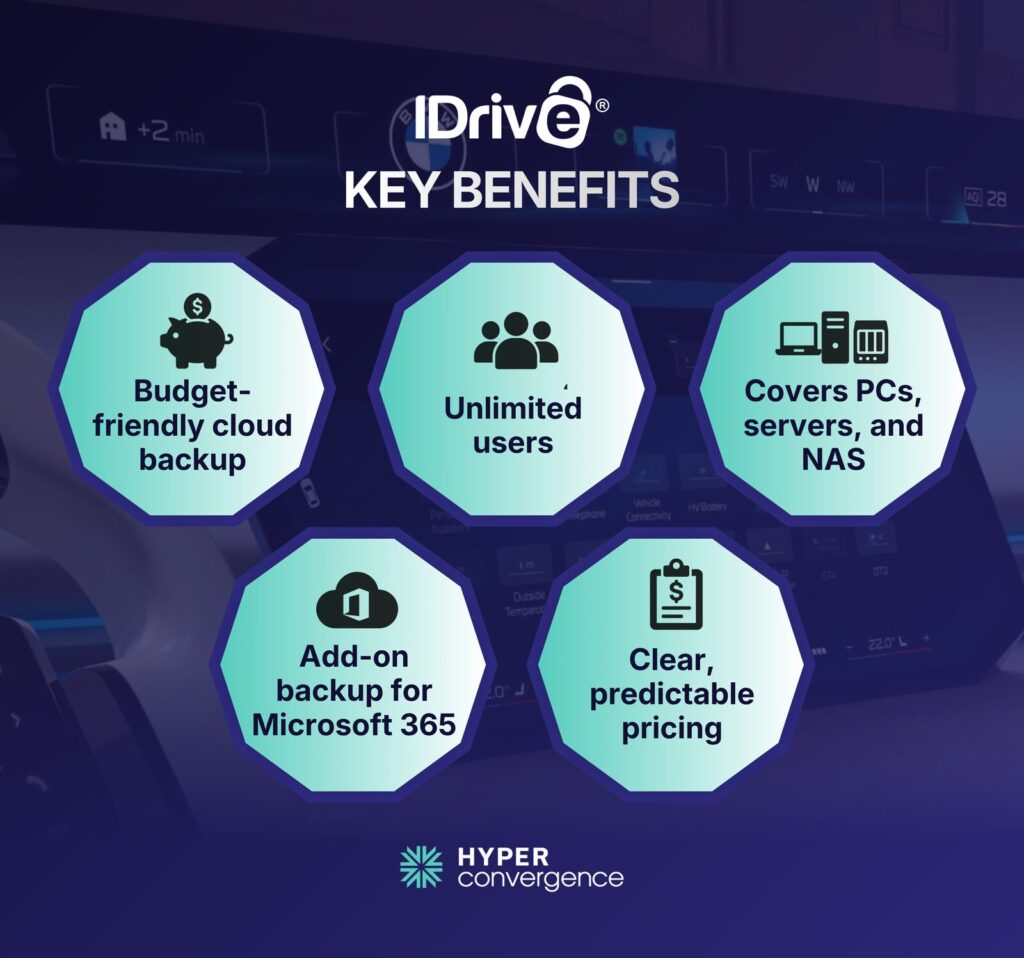
IDrive Business is the best value option in this list because it offers SMBs broad backup coverage with easy-to-understand pricing before a long sales cycle begins. The Business plan supports unlimited users and multiple computers, servers, Exchange, SQL, and NAS devices, making it a strong fit for small companies with mixed environments. It also offers Microsoft 365 backup as an add-on, so SMBs can protect business email and collaboration data without buying a completely separate product stack. That makes IDrive a practical choice for buyers who want strong coverage and a predictable monthly or annual cost.
Key Strengths
- Broad backup coverage for computers, servers, NAS, Exchange, and SQL
- Unlimited users under the Business plan
- Clear public pricing instead of a quote-only process
- Microsoft 365 backup add-on with unlimited storage
- Good fit for SMBs that want cloud backup without full BCDR complexity
Limitations
- Not the deepest disaster recovery platform in this group
- Better at cloud backup and restore than at full failover and business continuity
- Overuse charges can apply if storage limits are exceeded
Pricing
Subscription-based. IDrive Business starts at $59.99/month for 1.25 TB, and Microsoft 365 backup is $20/seat/year. (source)
If you’re comparing Acronis vs IDrive for SMB backup, see the Veeam vs Acronis vs IDrive comparison for a closer look at their features, pricing, and recovery capabilities.
Best for
Small teams that want affordable cloud backup, broad device and server coverage, and easier budgeting than quote-led enterprise platforms.
👉 Choose IDrive Business if you want the clearest value story and easy-to-budget cloud backup for a small team.
3. Axcient x360Recover — Best BCDR Platform for MSP-Supported SMBs
Overview
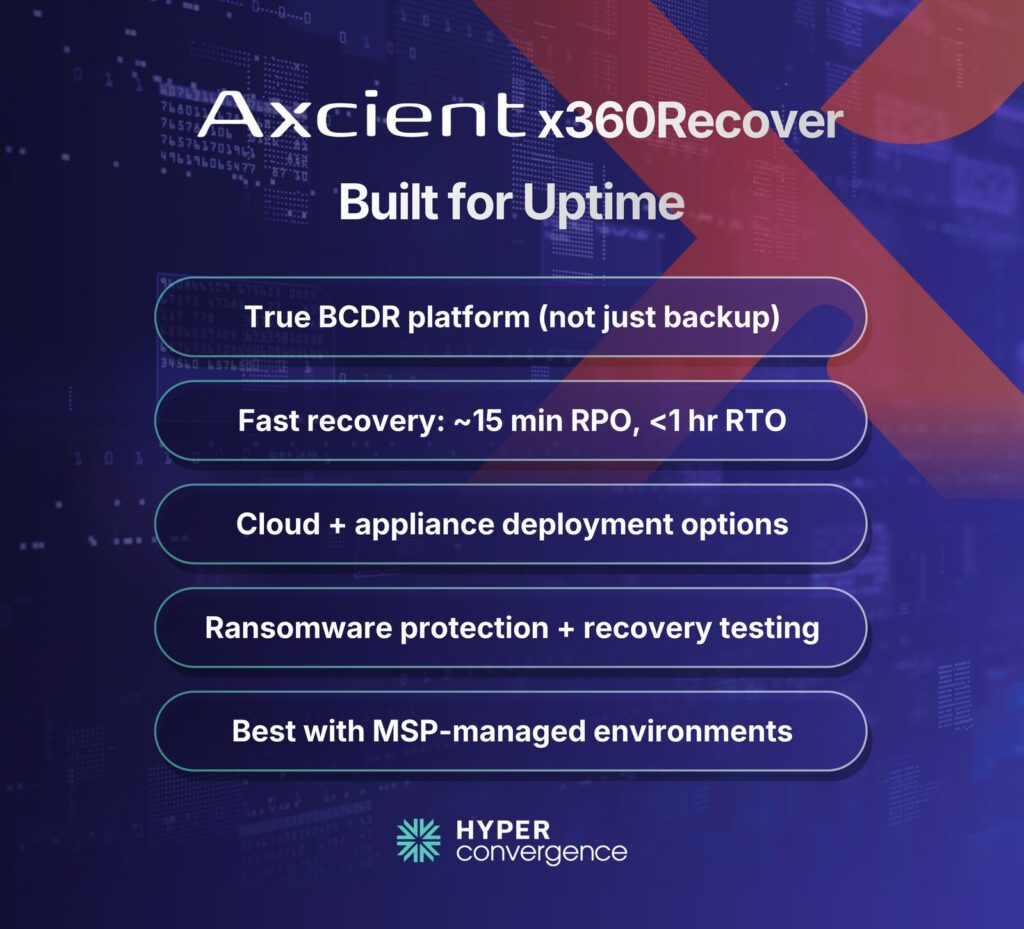
Axcient x360Recover is the strongest true BCDR option in this group for SMBs that care the most about uptime and usually work with an MSP. Axcient positions x360Recover as a business continuity and disaster recovery platform rather than a simple backup product, and that difference shows in the rapid recovery targets it publishes.
The platform supports Windows, VMware, Linux, MacOS, Azure data, and a mix of deployment models, including appliance-based and direct-to-cloud options across hybrid and multicloud environments. For SMBs that cannot stay offline long, x360Recover stands out because it is built around operational recovery, not only data retention.
Key Strengths
- Published 15-minute RPO and less than 1 hour RTO with strong recovery point objective and recovery time objectives alignment (source)
- Direct-to-cloud and appliance-based deployment choices
- AirGap and AutoVerify features support ransomware resilience, instant VM recovery, and recovery testing
- Flat-fee pooled storage approach is attractive for MSP-led delivery across distributed data centers
- Supports virtualization, bare metal recovery, and faster recovery instead of backup-only workflows
- Includes advanced recovery tools to support stronger data recovery
Limitations
- Best fit when an MSP is involved rather than a fully self-serve SMB buyer
- Pricing is less transparent than IDrive or Simple Backups
- Can feel heavier than necessary for very small businesses that mainly need cloud backup
Pricing
Quote-led, with flexible billing that includes per-device licensing, appliance-based options, and direct-to-cloud models. The vendor also promotes pooled storage and a flat-fee structure for MSP delivery.
Best for
MSP-supported SMBs that need stronger continuity, faster recovery targets, and a more serious DR posture than basic cloud backup provide. Especially useful for businesses trying to minimize downtime after ransomware, outages, or a natural disaster.
👉 Choose Axcient x360Recover if downtime is your biggest risk and you need real BCDR, not just backup.
4. Simple Backups — Best for Databases, Servers, SaaS, and Storage Backup Automation
Overview
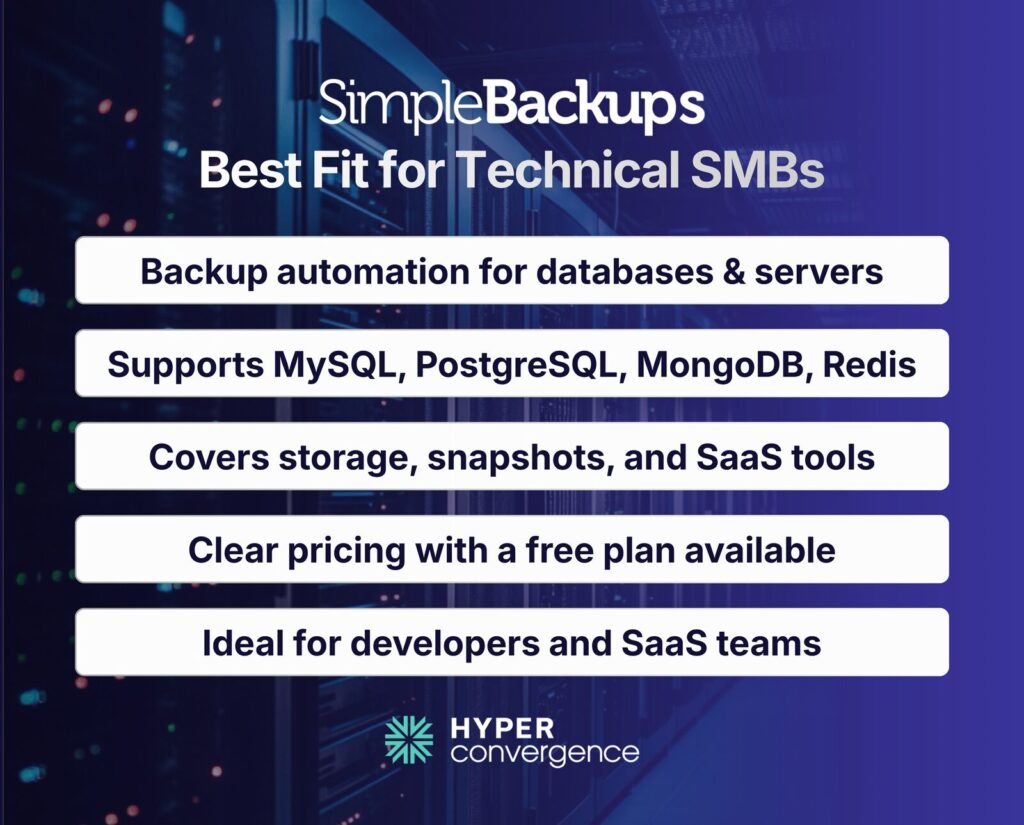
Simple Backups is the best fit for technical SMBs that need flexible backup automation for databases, servers, storage, and selected SaaS services. It is not a full disaster recovery suite in the same sense as Acronis or Axcient, but it is very strong for businesses that care about protecting application data, business data, and infrastructure components with clear scheduling and storage choices.
The platform supports files and folders, MySQL, PostgreSQL, MongoDB, Redis, storage replication, snapshots, and service backup for tools such as GitHub and Knack. That makes it especially relevant for SaaS companies, agencies, developers, and hosting-focused SMBs using multiple cloud-based software platforms and managing critical data across systems.
Key Strengths
- Broad coverage for files, databases, storage replication, and snapshots with comprehensive data backup support
- Useful for SaaS and developer-led backup workflows with a reliable automated backup
- Clear monthly pricing with a free entry plan
- Supports bring-your-own storage and multiple cloud storage options
- Plus plan includes Teams, compliance-oriented features, and up to 20 backup jobs
- Helps teams improve data governance and protect long-term data assets
Limitations
- Not the best option for full DRaaS or fast production failover
- Better for backup automation than business-wide continuity orchestration
- Some advanced features and higher-scale needs require add-ons or an enterprise discussion
Pricing
SimpleBackups offers transparent pricing with a Free plan at $0/month, Lite at $49/month, Plus at $99/month with 20 backup jobs and 50 GB storage, and Max at $299/month for larger workloads. Enterprise pricing is custom.
Best for
SMBs that need dependable backup automation for databases, servers, storage, and SaaS workloads rather than full disaster recovery orchestration. It works especially well for teams, replacing outdated backup methods with a more scalable backup strategy.
👉 Choose Simple Backups if your biggest backup risk lives in databases, storage, servers, or SaaS workflows.
5. pCloud Business — Best Lightweight File Backup and Team File Protection
Overview
pCloud Business is the lightest option in this list, but it still belongs here because many SMBs do not need full infrastructure DR. They need secure file storage, file recovery, sync, and team collaboration with less complexity. pCloud Business is designed around storing files in one secure place, organizing employees in teams, helping the team store data, controlling access, tracking activity, and keeping files confidential with client-side encryption.
That makes it a better fit for file-heavy small teams than for server-heavy environments that need tight RPO and RTO targets. This platform is useful for protecting sensitive data and improving data integrity without deploying a full DR platform.
Key Strengths
- Secure file storage, sync, and sharing for teams with reliable backup support
- Client-side encryption is included with Business to enhance data security
- Admins can manage user access, activity, and team structure
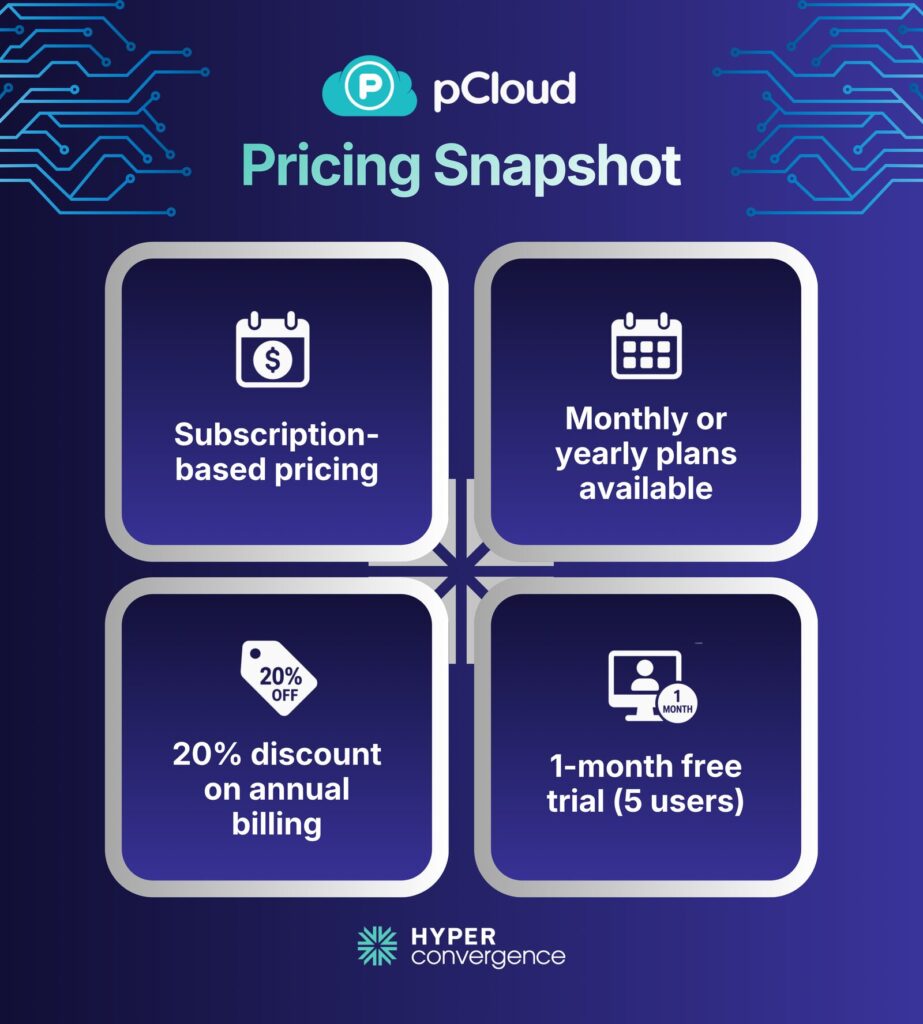
- One-month free trial for 5 users lowers the barrier to testing
- Annual billing gets a 20% discount compared with monthly billing
- Useful for businesses working across various operating systems
Limitations
- Not a true BCDR platform for server-heavy environments
- Better for file protection and collaboration than for full operational recovery
- Pricing is less capacity-transparent than IDrive or Simple Backups
Pricing
Subscription-based, with monthly or yearly billing. Annual billing receives a 20% discount, and new Business accounts get a free 1-month trial for 5 users.
Best for
Small teams that mainly need secure file backup, sync, sharing, and version recovery without adopting a heavier DR platform. It is a strong fit when stable access depends heavily on a reliable internet connection.
👉 Choose pCloud Business if your main priority is secure team file protection, not full disaster recovery.
How We Picked These Backup and DR Solutions
This shortlist was built around SMB fit, not broad market noise. The main scoring points were recovery capability, workload coverage, pricing clarity, ease of use, cloud and SaaS support, value for money, and how realistic each product feels for a small team with limited time.
We also considered support for platforms like Google Cloud, Microsoft Azure backup, stronger cloud provider flexibility, and features like data reduction that improve storage efficiency. That is why the list includes both broad platforms and narrower tools with clearer use-case fit.
Which Solution Should You Choose?
Here is the final recommendation:
Acronis Cyber Protect– if you want the best all-around SMB backup and disaster recovery platform.
IDrive Business– if you want the best value cloud backup option and clearer pricing.
Axcient x360Recover– if your business works with an MSP and cannot tolerate long downtime.
Simple Backups– if your biggest risk lives in databases, storage, servers, or SaaS workloads.
pCloud Business– if your priority is secure file protection, team sync, and version recovery.
Remember, your decision should highly depend on the following:
- Recovery requirements
- Budget
- IT resources
- Data complexity
- Protection of important data
Conclusion
Most SMBs should start with Acronis Cyber Protect, IDrive Business, and Axcient x360Recover. That three-product shortlist gives you a balanced view of complete platform protection, lower-cost cloud backup, and stronger BCDR. Simple Backups and pCloud Business are smart additions when the use case is more specific.
For a real buying decision, compare the full package, not just the software line item. Ask each vendor about storage, support, restore testing, DR options, retention, migration effort, and how they secure important data. That is the fastest way to see which product fits your business rather than just your backup checklist.
FAQs
Backup and disaster recovery mean copying business data for restoration and planning how systems and operations resume after outages, corruption, or attacks.
Backup restores data. And disaster recovery restores systems, applications, and operations to meet downtime and data-loss targets.
Usually yes. Backup protects files, while disaster recovery cuts downtime for critical systems. Many SMBs need both, but not every workload needs full DR.
Popular SMB choices include Acronis Cyber Protect, IDrive Business, Axcient x360Recover, SimpleBackups, and pCloud Business. The right one depends on recovery targets, workloads, and budget.
Costs vary widely. Public SMB starting points include SimpleBackups at $49 monthly, IDrive Business at $59.99 monthly, and Acronis from $85 yearly per device
Focus on RPO, RTO, workload coverage, local plus cloud copies, immutable backups, restore testing, SaaS backup, clear pricing, and easy management.
RPO is the maximum acceptable data loss. RTO is the maximum acceptable downtime before services must be restored.
Cloud backup alone is often not enough. It’s recommended the 3-2-1 rule: multiple copies, different media, and one off-site copy.
An immutable backup cannot be changed or deleted for a set period. It matters because ransomware often targets backups first.
Usually yes. Google Workspace has native recovery limits, and many businesses add third-party backup for longer retention and point-in-time recovery.