“The global hyper-converged infrastructure market is estimated to reach USD 49.75 billion by 2030, expected to grow at a CAGR of 23.5% from 2024 to 2030.” (source)
This shift alone demonstrates how profound the current IT infrastructure transformation is. Organizations are moving away from traditional setups and rethinking how hyperconverged infrastructure fits into their IT goals. So, they are adopting solutions that integrate compute, storage, and networking into a unified system.
And the driving forces behind this change include the need for simplified management, scalability, and the ability to support modern applications. Here comes the hyperconverged infrastructure solutions in the picture.
It’s basically a software-backed single solution for storage, compute, networking, and cloud management in one frame that simplifies modern operations, minimizing workloads for businesses and institutions.
In this blog, we’ll explore the top 10 hyperconverged infrastructure (HCI) solutions currently leading the market. Whether you’re looking to modernize your data center or expand your IT operations, understanding these solutions will help you make informed decisions that are in line with your organization’s goals.
How HCI Solutions Work? Why Are They Important in 2026?
Integrating networking, compute, storage, and virtualization into a single, software-driven system, HCI works as a unified program to control the entire environment. This consolidation also explains how hyperconverged storage fits into the model, since data is managed through software rather than traditional hardware arrays.
Initially designed as a simpler alternative to complex storage arrays for VMware environments, hyperconverged infrastructure has evolved into a flexible, scale-out platform with shared-nothing architecture. Modern solutions include local direct-attached storage in each node, continuous uptime, unified management, data services, and optional cloud integration.
In 2026, a hyperconverged infrastructure solution is vital for businesses seeking efficiency and flexibility. It not only supports business transformation but also plays a central role in digital transformation strategies and data services by delivering an agile foundation for IT modernization. And the key benefits include:

- Simplified IT Management: One interface for compute, storage, and networking reduces complexity.
- Cost Reduction: Consolidated hardware lowers capital and operational expenses.
- Hybrid and Multi-cloud Readiness: HCI supports hybrid cloud infrastructure adoption and integration for diverse modern workloads.
- Rapid Scalability: Enterprises can scale flexibly or even scale incrementally by adding nodes as demand rises.
- Business Continuity: Built-in replication and failover ensure uninterrupted operations.
Research back in 2022 showed that approximately 41% of respondents use HCI for database and data warehousing essential workloads, as well as data analytics and business intelligence workloads, highlighting its importance for core applications.
Nearly 45% of enterprises were already relying on HCI solutions for modern workloads at the edge infrastructure, proving its value for mission-critical applications, remote offices, and virtual desktop infrastructure.
Now, fast forward to 2025, HCI solutions help organizations reduce overhead, deploy resources more quickly, and prepare IT infrastructure to meet evolving demands with the capacity needed for business continuity in every environment.
10 Best Hyperconverged Infrastructure Solutions in 2026
1. Nutanix
Overview
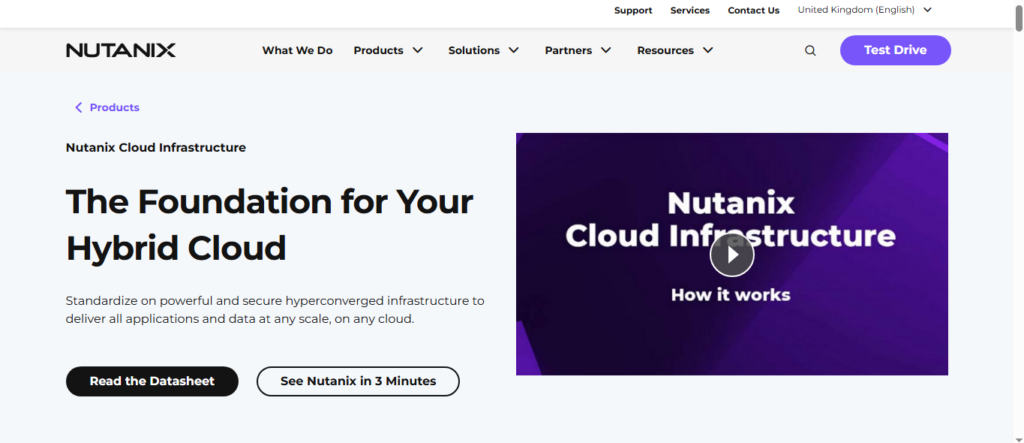
Nutanix delivers a mature HCI platform that combines virtualization, storage, networking, and cloud management into one software suite. Its AOS software uses smart storage, high availability, and broad hypervisor choice (AHV, ESXi, Hyper-V).
“Nutanix holds nearly 25% of the global HCI market share and partners with VMware, Cisco, and Dell for hybrid cloud deployments.” (source)
Strengths
- Flexible Hypervisor Choice: Users can run their own hypervisor or use Nutanix AHV at no extra cost, giving flexibility and potentially lower license costs.
- Built-in Performance Optimization: Data locality, tiered storage, and autonomous healing reduce latency and improve availability without manual steps.
- Revenue Driven by Core HCI: Nearly 55% of Nutanix’s FY2024 revenue comes from core HCI and SDS, showing demand for its hands-on platform.
- Strong Market Presence: Nutanix held 24.8% of the global HCI software market in Q4 2022, placing it solidly in second place behind VMware’s 41.1%.
Key Features
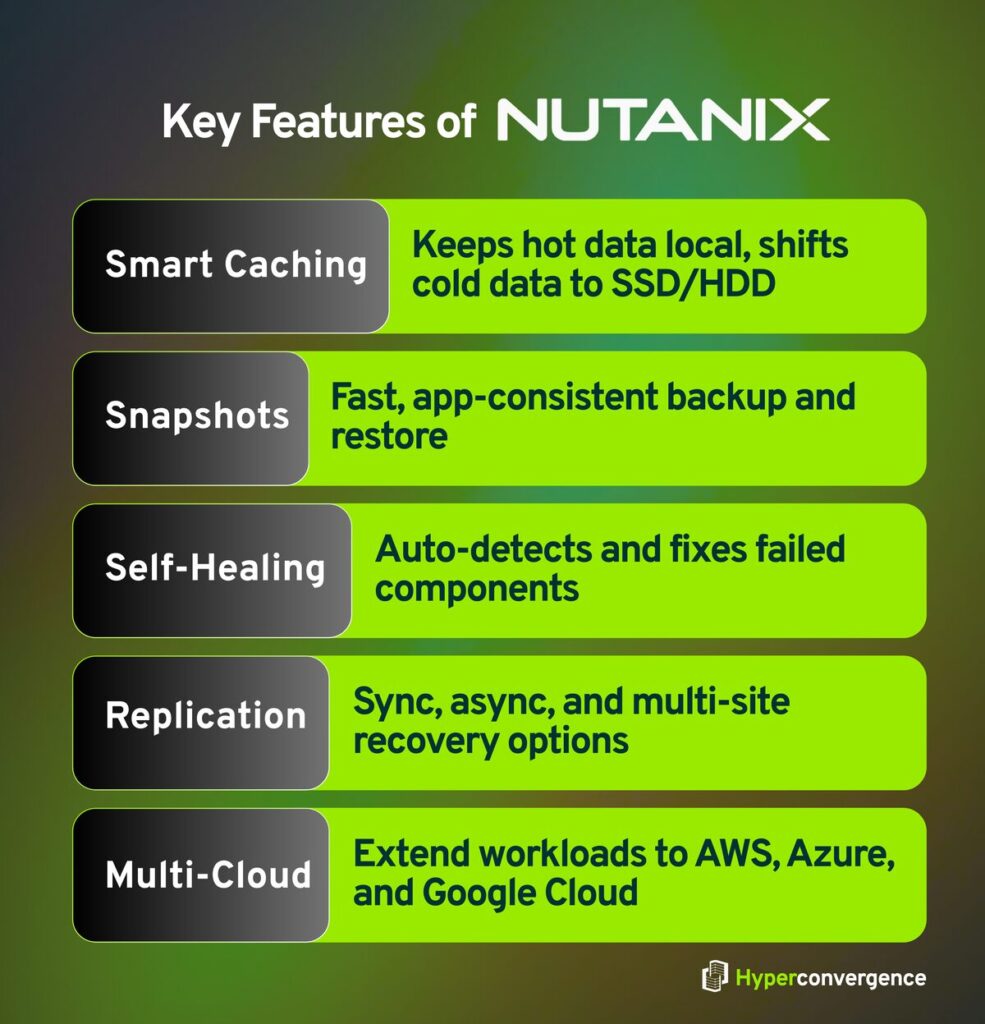
- Smart Caching and Data Placement: The system keeps one data copy local to cut latency, while moving less active data across SSD and HDD.
- Snapshots and Quick Restore: Application-consistent snapshots make backups and restores faster and more reliable.
- Self-Healing Storage: Nutanix detects and fixes failed components automatically, keeping systems working with no human effort.
- Flexible Replication: Sync, async, near-sync, and multi-site options help meet recovery goals.
- Multi Cloud Support: Nutanix Cloud Clusters extend workloads to AWS, Azure, Google Cloud, keeping operations consistent.
Best For
- Businesses that are aiming to reduce reliance on VMware licensing costs.
- Teams running heavy virtualization, multi-cloud-integrated applications, and container workloads.
- Organizations in need of fast restores and high uptime without complex setup.
- Enterprises expanding into AI, edge, or multi-cloud use cases with consistent management
2. Cisco
Overview
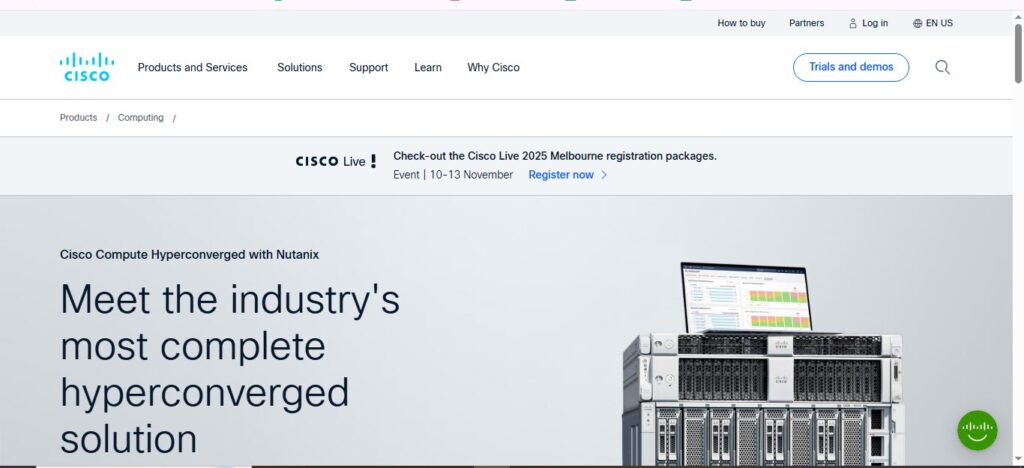
Cisco’s HCI solution- Cisco Compute Hyperconverged with Nutanix combines Cisco UCS servers and Intersight management with Nutanix software. It replaces the retired HyperFlex lineup. The result offers scalable compute, storage, and virtualization on hardware built for flexible deployments, support, and efficient operations.
Strengths
- Modular Blade Platform: UCS X-Series supports GPU acceleration and independent component upgrades, keeping infrastructure future-ready.
- One-Click Global Management: Cisco Intersight paired with Nutanix Prism lets admins set policies and deploy clusters without manual setup.
- Smooth Support Model: Cisco TAC works with Nutanix for one-stop support, so issues don’t bounce between teams.
Key Features
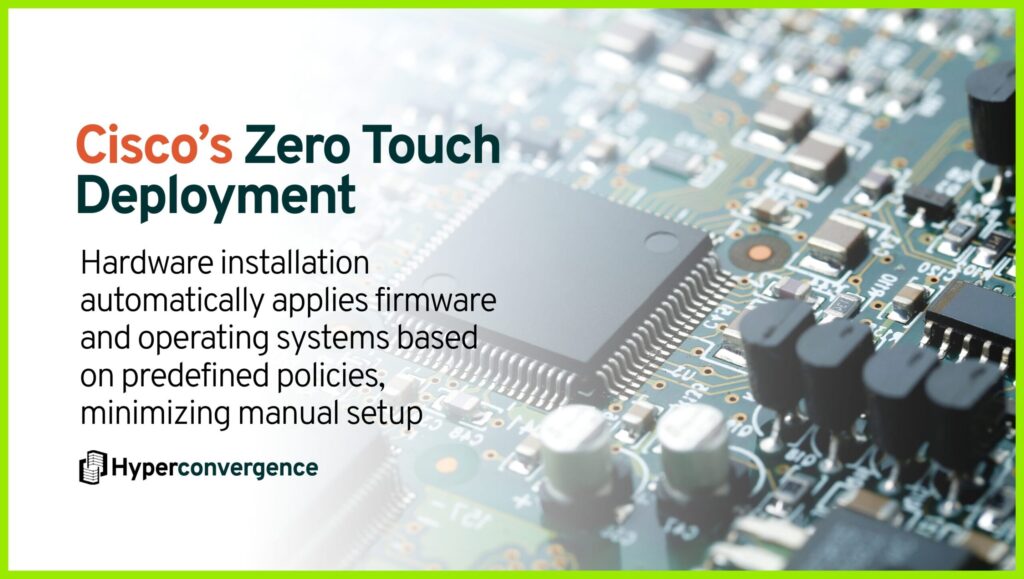
- Zero-Touch Deployment: Rack the hardware, and it installs firmware and OS automatically using predefined policies.
- Flexible Scaling: Expand clusters simply by adding nodes to the blade chassis—no downtime required.
- High-End Performance: In SQL benchmarks, HCI clusters hit up to 400,000 TPM, showing minimal overhead for high-availability setups.
- Cloud-Enabled Operation: Designed to support applications from edge locations to data centers, and data security, with built-in cloud readiness.
- Energy-Efficient Design: Modular blades reduce power use and cabling compared to traditional servers, helping sustainability goals.
Best for
- Businesses are already using Cisco UCS and seeking a smooth migration from older HCI systems.
- Organizations needing automated deployment across locations, with minimal staff on-site.
- Teams running workloads like VDI, databases, or AI inference that need GPU support and high throughput.
- Enterprises aiming for long-term scalability and greener operations with efficient hardware.
3. Dell EMC VxRail
Overview
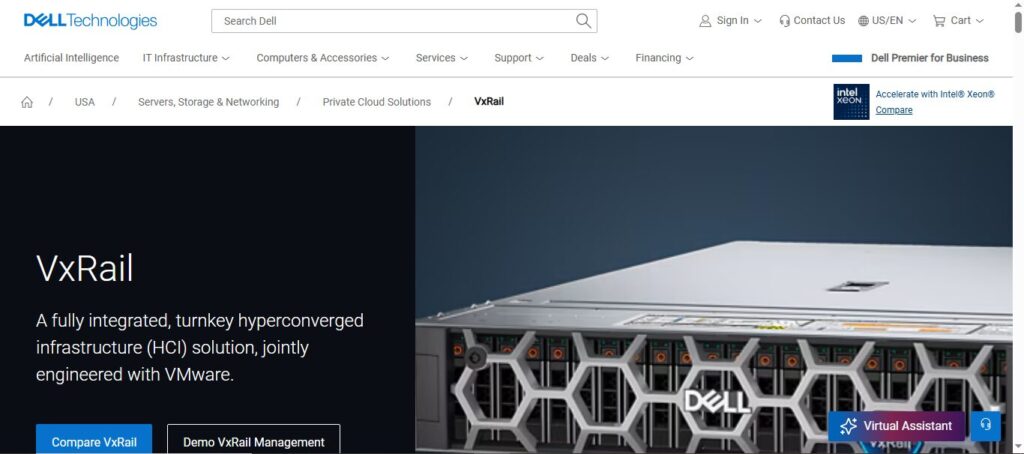
Dell EMC VxRail is a fully integrated HCI system built with VMware vSAN and vSphere. It supports both virtual machines and containers, with optional dynamic nodes for flexible compute and storage. Updates include new hardware like AMD EPYC CPUs and NVIDIA GPUs, along with powerful lifecycle automation for smooth operations.
Strengths
- Hybrid Cloud Ready: VxRail works natively with VMware Cloud Foundation and supports hybrid environments.
- High-Performance Options: New V Series with NVIDIA A40/A100 GPUs delivers graphics acceleration, while P Series with 20% more capacity handles heavy modern workloads effectively.
- Proven ROI: IDC points to a 452% five-year and 92% less downtime for VxRail users.
Key Features
- Unified Automation: One-click upgrades push firmware, hypervisor, and vCenter updates in one go.
- Flexible Scaling: Dynamic nodes let you scale incrementally, adding compute-only systems or external flash storage to grow clusters.
- Cloud-Enabled Fit: Works with Dell PowerStore, PowerMax, or Unity XT to support larger datasets.
- Container and VM Support: Hosts Kubernetes workloads alongside traditional VMs.
Best for
- Teams invested in VMware who need smooth upgrades and proven software support.
- Workloads needing burst capacity for AI or ML using GPU and graphics acceleration.
- Enterprises in search of a strong return, business continuity, and reduced downtime in data center infrastructure.
4. Sangfor Technologies
Overview
“The latest data from International Data Corporation (IDC) says, Sangfor Technologies is China’s leader in hyper-converged infrastructure (HCI), taking 20.2% of the Q4 market share, and securing a 17.5% share by 2024.” (source)
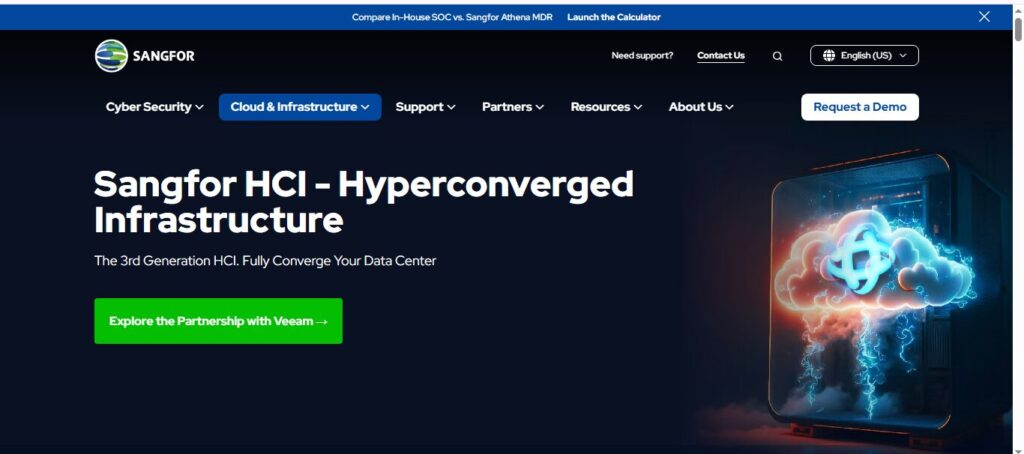
Its hyperconverged infrastructure solution integrates compute, storage, networking, security, and cloud management into one stack. Businesses value its smooth migration from VMware, AI-ready design, and reliability in maintaining business continuity.
Strengths
- Market Leader in China: Sangfor topped China’s HCI ranks in both Q4 2023 and the full year, showing strong regional trust.
- VMware Migration Made Easy: Its “Full-Stack Replacement + Cloud Upgrade” path works within existing VMware environments, cuts downtime by 50%, and offers perpetual or subscription licensing.
- AI & Hybrid Cloud Ready: Users can add GPU nodes to support AI workloads on demand and link to cloud services through a unified platform.
- Analyst Recognition: Named a Representative Vendor in Gartner’s 2025 Market Guide for Full-Stack HCI Software, reflecting its growing global influence.
Key Features
- All-in-One Full Stack: Sangfor’s HCI handles compute, networking, security, storage, and cloud tools from a single platform (aSV, aSan, aNet, aSec, SCP).
- Built-in AIOps Engine: With over 90% accuracy, Sangfor’s SkyOps engine predicts hardware failures 7–30 days ahead and identifies the root cause of issues in just one second.
- Deep Compatibility: Sangfor works with hundreds of server brands, giving users freedom in choosing hardware platforms, including Dell, HPE, and Lenovo.
Best For
- Enterprises seeking a smooth shift from VMware to a flexible and modular HCI without extensive retraining or downtime.
- Organizations expanding with edge infrastructure, hybrid IT, or AI workloads that need GPU support and built-in AIOps intelligence.
- Companies prioritizing business continuity and performance for databases and mission-critical apps.
- Regional businesses in APAC, EMEA, and Latin America are looking for localized support backed by analyst endorsement.
5. NetApp
Overview
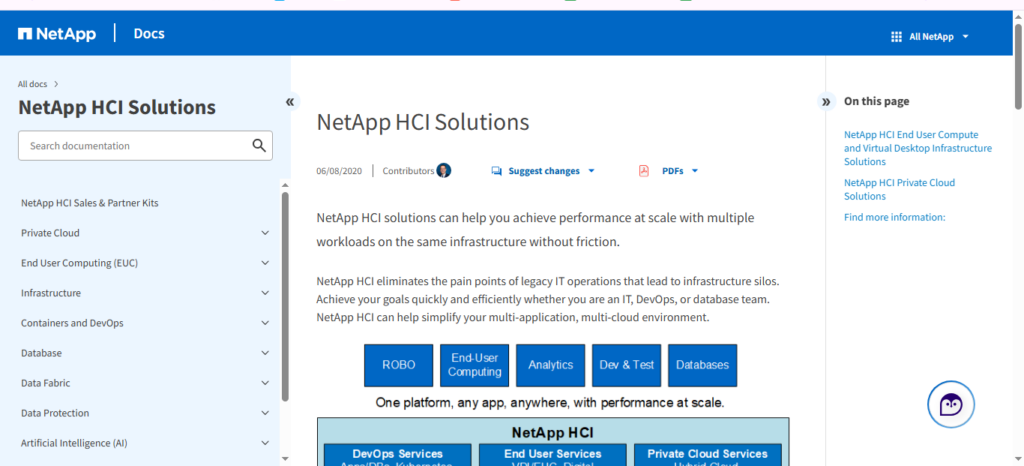
NetApp HCI is a flexible, enterprise-grade hyperconverged infrastructure solution that integrates compute and storage resources. Designed as a scalable infrastructure for modern IT needs, it enables businesses to manage workloads efficiently. With features like disaggregated scaling and multi-cloud infrastructure integration, NetApp HCI supports a wide range of applications, from virtual desktops to AI workloads, making it a reliable choice for modern data center operations.

Strengths
- Independent Scaling of Compute and Storage: Unlike traditional infrastructure solutions, NetApp HCI allows businesses to scale compute and storage resources independently. This disaggregated architecture ensures optimal performance and cost efficiency, adapting to varying workload demands.
- Cloud Integration and Data Fabric: NetApp HCI seamlessly integrates with public and private clouds, leveraging the NetApp Data Fabric. This strengthens cloud-integrated infrastructure strategies by facilitating data mobility and unified management across on-premises and cloud environments. (source)
- High Performance and Efficiency: Built on NetApp’s SolidFire technology, the platform delivers consistent performance with QoS controls, ensuring mission-critical applications receive the resources they need without disruption.
- Simplified Management with Hybrid Cloud Control: Managed through the Cloud-Integrated Control interface, NetApp HCI offers a single-pane-of-glass view for operations, reducing administrative overhead and enabling faster scaling.
Key Features
- Disaggregated Architecture: Independent scaling of compute and storage resources for optimized resource allocation and cost management.
- Cloud Integration with Data Fabric: Enhances multi-cloud infrastructure by enabling seamless movement of data across data centers and cloud environments.
- QoS Controls: Guarantees critical workloads get priority access to performance.
- Centralized Management: A centralized interface that simplifies deployment, monitoring, and scaling.
Best For
- Businesses that want scalable infrastructure connecting on-premises and cloud environments.
- Companies running mission-critical applications that require predictable performance.
- Organizations that need flexible scaling of compute and storage resources for evolving workloads.
- IT teams that are seeking simplified, end-to-end management of modern infrastructure solutions.
6. VMware
Overview
VMware’s Hyperconverged Infrastructure (HCI) integrates compute, storage, and networking into a unified system, simplifying data center operations. Leveraging VMware vSphere and vSAN, HCI provides scalability and flexibility, making it suitable for various workloads, from virtual desktops to mission-critical applications. This approach reduces complexity and enhances operational efficiency.
Strengths

- Centralized Control: VMware HCI offers centralized management through vCenter Server, allowing administrators to oversee compute, networking, resources, and storage from a single interface. This integration streamlines operations and reduces administrative overhead.
- Scalability and Flexibility: The architecture supports both disaggregated and hyper-converged deployments, enabling businesses to scale resources independently based on workload requirements.
- Cloud Integration: VMware HCI seamlessly integrates with the Cloud Foundation, facilitating cloud-integrated deployments and enhancing workload mobility between on-premises and cloud environments.
- High Performance: Built on VMware vSAN, HCI delivers high throughput and low latency, ensuring business-critical applications run at peak performance while maximizing storage efficiency.
Key Features
- vSAN Storage Integration: VMware vSAN provides distributed storage, pooling local storage devices across hosts to create a shared datastore, optimizing storage efficiency and performance. (source)
- vSphere Integration: Tight integration with VMware vSphere allows for consistent management and operations across virtualized environments, leveraging existing VMware tools and expertise.
- vCenter Server Management: vCenter Server offers centralized management capabilities, enabling administrators to configure, monitor, and manage VMware HCI resources efficiently.
- Cloud Foundation Support: VMware HCI integrates with VMware Cloud Foundation, providing a unified platform for managing compute, storage, and networking resources across private and public clouds.
Best For
- Organizations already utilizing VMware products can seamlessly integrate VMware HCI, leveraging existing infrastructure and expertise.
- Businesses seeking to implement multi-cloud strategies can benefit from VMware HCI’s integration with their Cloud Foundation.
- Companies requiring scalable and flexible infrastructure to support varying workloads will find VMware HCI’s disaggregated architecture advantageous.
- Organizations aiming to reduce administrative complexity can utilize VMware HCI’s all-in-one control capabilities through vCenter Server. (source)
7. Microsoft HCI (Azure Stack HCI)
Overview
Microsoft Azure Stack HCI combines compute, storage, and virtualization in a single solution built on Windows Server technologies. It allows on-premises workloads to run with native management while connecting seamlessly to Azure for cloud-embedded services. More than 10,000 clusters worldwide run Storage Spaces Direct, supporting industries from finance to government.

Strengths
- High Performance: Microsoft tests showed a 12-server setup handling over 13 million operations per second while keeping response times below 40 microseconds.
- Hybrid Integration: Native connection to Azure services for backup, monitoring, and Kubernetes management.
- Flexible Hardware Support: Microsoft Azure runs on certified systems from Dell, Lenovo, DataON, and other partners.
- Subscription Model: Licensed per core with Azure billing, simplifying cost predictability.
Key Features
- One-Click Updates: Simplified lifecycle management with integrated patching and upgrades.
- Stretched Clusters: Built-in disaster recovery with cross-site resilience.
- GPU Support: Virtual machines with GPU acceleration for demanding workloads.
- Thin Provisioning: Efficient resource allocation to optimize infrastructure usage.
Best For
- Enterprises running Windows-based environments that want scalable performance.
- Organizations that require hybrid Azure services alongside on-premises workloads.
- Businesses with edge sites or remote offices that benefit from pre-validated, turnkey HCI solutions.
8. Scale Computing
Overview
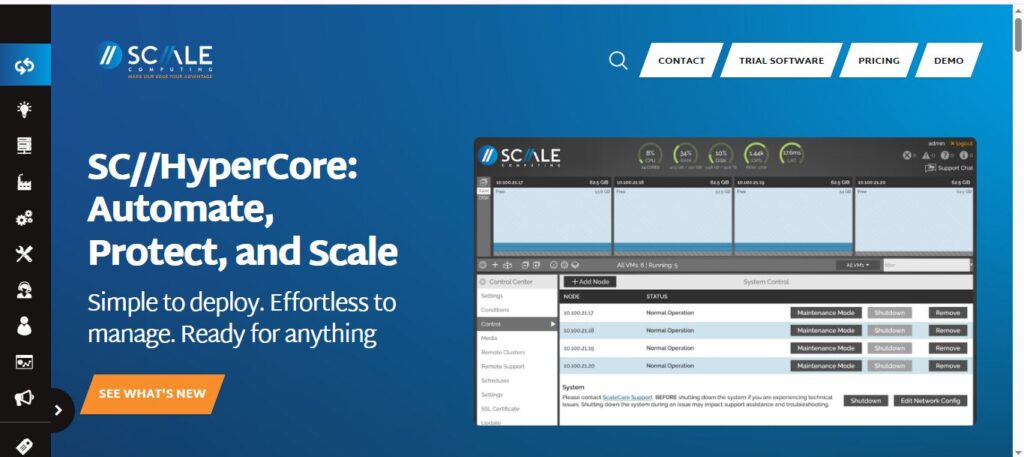
Scale Computing HCI offers a fully integrated hyperconverged solution. Its HC3 platform is designed for simplicity, allowing businesses to deploy, manage, and scale infrastructure without deep IT expertise. Scale Computing reports that its solutions support more than 20,000 customers globally across healthcare, manufacturing, and education.
Strengths
- Ease of Use: Single interface manages all nodes with minimal setup.
- High Availability: Automatic failover keeps workloads running during hardware failures.
- Scalable Architecture: Nodes can be added easily without downtime.
- Cost Efficiency: Reduces the need for specialized IT staff and complex infrastructure.
Key Features
- Integrated Virtualization: Built-in HC3 HyperCore hypervisor eliminates the need for third-party virtualization software.
- Automated Storage Management: Storage is pooled and balanced across nodes automatically.
- Disaster Recovery: Offers snapshot-based backup and replication to remote sites.
- Edge Deployment Ready: Can run in small offices or remote locations with minimal footprint.
- Monitoring & Alerts: Built-in analytics track performance and health across the cluster.
Best For
- Small to mid-sized businesses looking for simple, reliable HCI.
- Organizations with limited IT staff who are seeking plug-and-play infrastructure.
- Companies that need an edge or remote site deployment without a complex setup.
- Industries like healthcare, retail, and education, where uptime is critical.
9. StarWind
Overview
StarWind HCI integrates networking, compute, storage, and virtualization into a single system, eliminating the need for separate legacy infrastructure components. This convergence simplifies management and reduces costs, making it suitable for small to medium-sized businesses and remote office/branch office (ROBO) deployments.
Strengths
- Continuous Uptime: Achieves 100% uptime through synchronous replication and transparent failover mechanisms.
- Cost-Effective: Utilizes commodity hardware, significantly lowering acquisition and maintenance expenses.
- Scalability: Supports dynamic scaling, allowing resources to be adjusted based on the capacity needed without service disruption.
- Proactive Support: Offers 24/7 monitoring and proactive issue resolution, enhancing system reliability.
Key Features
- StarWind Virtual SAN (VSAN): Provides software-defined storage that aggregates local disks into a shared storage pool, eliminating the need for traditional SAN hardware.
- Log-Structured File System (LSFS): Optimizes performance for virtualization workloads by addressing common issues like I/O blender.
- Deduplication and Compression: Reduce storage requirements and improve performance by minimizing data redundancy.
- Automated Storage Tiering: Moves less frequently accessed data to lower-cost storage tiers, preserving performance and extending hardware lifespan.
- Hardware Agnostic: Compatible with a wide range of commodity hardware, offering flexibility and cost savings with less hardware required.
Best For
- Small to Medium-Sized Businesses (SMBs) are seeking a cost-effective, easy-to-manage IT infrastructure.
- Remote Office/Branch Office (ROBO) setups require reliable and scalable solutions without complex configurations.
- Organizations aiming to modernize legacy systems with minimal investment and disruption.
- Enterprises in need of high availability for critical applications without the overhead of traditional SAN solutions.
10. HPE SimpliVity
Overview
HPE SimpliVity simplifies IT operations by providing a unified platform for virtualization, data protection, and management. Designed for edge, VDI deployments, and general purpose workloads, HPE SimpliVity offers a scalable and efficient solution for modern IT environments.

Strengths
- Data Efficiency: A notable reduction in storage capacity needed through built-in deduplication and compression.
- Operational Continuity: Provides system resilience across just two nodes, ensuring continuous operation and data protection.
- Simplified Management: Offers all-in-one control through VMware vCenter, streamlining operations and reducing administrative overhead.
- Scalability: Easily scales from small to large deployments without disruption, accommodating changing business needs.
Key Features
- Integrated Backup and Disaster Recovery: Provides built-in data protection and rapid recovery capabilities.
- Global VM-Centric Management: Enables management of virtual machines across multiple sites from a single interface.
- HPE OmniStack Accelerator Card: Hardware acceleration for data efficiency tasks.
- Support for Hybrid Cloud: Seamless integration with HPE GreenLake for multi-cloud deployments.
- AI-Driven Operations: Utilizes HPE InfoSight for predictive analytics and proactive issue resolution.
Best For
- To modernize the IT infrastructure of your enterprise with a scalable and efficient solution.
- Organizations that require robust data protection and disaster recovery capabilities.
- Businesses that look to integrate on-premises infrastructure with cloud-integrated environments.
- Remote or Edge Locations that need compact and reliable IT solutions.
How to Choose the Right HCI Solutions for Your Business
Picking the right hyperconverged infrastructure (HCI) hinges on more than brand names. It’s about understanding your IT goals and matching those to vendor strengths, costs, and future plans.
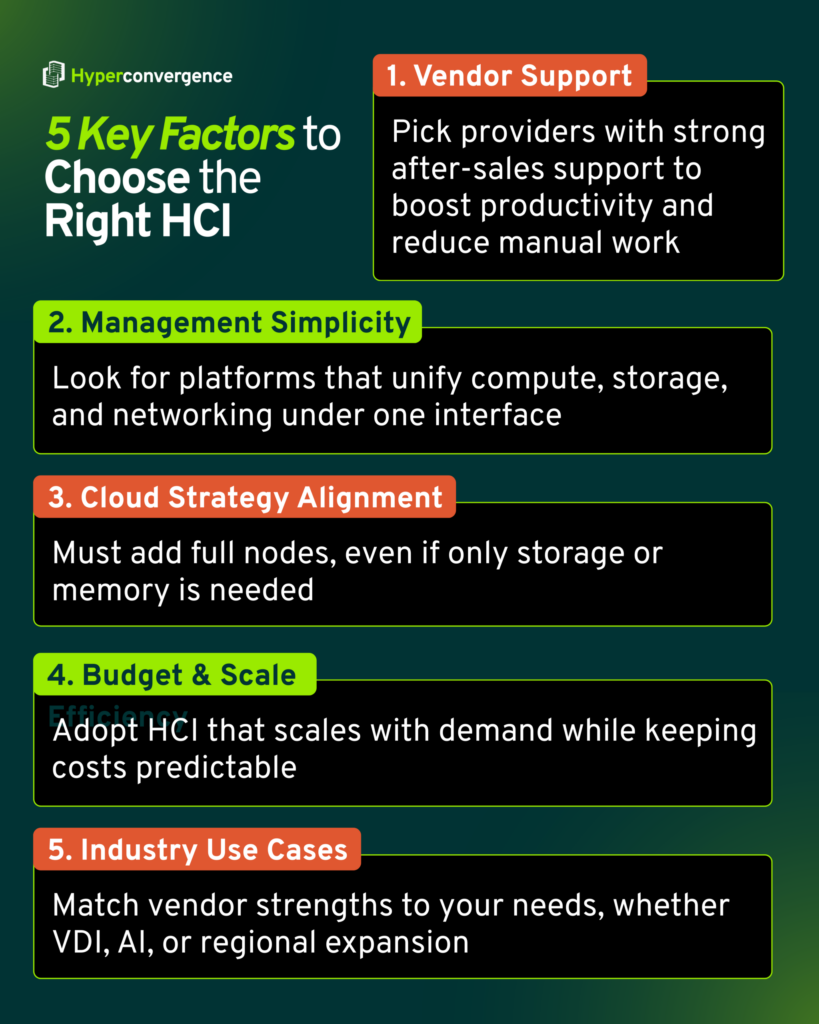
Vendor Support
Choose a provider known for strong after-sales assistance. For instance, IDC research says more than half of the HCI adopters report improved staff productivity when vendor tools reduce manual operations.
Management Simplicity
If central control matters, favor platforms that consolidate compute, storage, and networking under one interface.
Cloud Strategy Alignment
Think about future cloud plans. Many leading hyperconverged infrastructure offerings integrate with public cloud tools; this is crucial for flexibility as workloads shift.
Budget and Scale Efficiency
HCI reduces complexity and allows growth that matches demand. According to Flexera’s 2024 State of the Cloud Report, 73% of organizations now use a hybrid cloud, combining at least one public and one private cloud.
Industry Use Cases
Match vendor strengths to your needs. For example, if you run VDI deployments, pick a solution with strong benchmarks; for regional expansion, consider vendors offering local support in your region.
Some More HCI Solutions Providers to Watch Out for
Beyond the major players, several other vendors are gaining attention in the HCI market for their innovation and niche expertise. Here are a few names:
- Pivot3
- StorMagic
- Stratoscale
- HPE Nimble Storage
- Huawei FusionCube
- DataCore etc.
The Bottom Line
Converged and hyperconverged infrastructure is no longer optional. Many organizations are moving away from complex legacy infrastructure toward solutions that simplify operations and prepare them for future growth.
As businesses increasingly adopt multi-cloud strategies, Gartner predicts that more than 70% of enterprises will choose industry cloud platforms to run business-critical workloads by 2027.
Vendors are also making strides in supporting cloud native applications, delivering systems that integrate tightly with locally attached storage devices for faster performance. With improved data center management features, these platforms help companies modernize IT while scaling efficiently.
From leaders like Cisco and Nutanix to emerging innovators, the right platform depends on your workload needs, budget, and cloud strategy.
Hope this list of 10 Best Hyperconverged Infrastructure Solutions helps in choosing your right partner-in-shine (in terms of businesses and operations). Looking to stay ahead in HCI? Keep following Hyperconvergence for the latest insights and vendor updates.
FAQs
Hyperconverged Infrastructure leaders often vary by region and specific business needs. However, VMware, Dell EMC, Nutanix, etc., are among the largest shareholders in the market.
The key benefits of using HCI platforms for businesses and companies include:
– Simplified IT management that helps simplify operations across compute, storage, and networking.
– Lower operational costs, ensuring better data services
– Faster deployment and scalability by leveraging a hybrid cloud infrastructure
– Support for cloud native applications, multi-cloud infrastructure, and remote work
Any system that combines compute, storage, networking, and virtualization into a single, software-managed platform with centralized management qualifies as hyperconverged infrastructure. It supports cloud storage, delivers the storage performance required for business-critical applications, and allows organizations to independently scale compute or storage resources as needed.
Costs vary by vendor, scale, and workloads. Small businesses may start from $50K, while large enterprises with GPU or hybrid cloud needs may exceed $500K (approximately).
Consider vendor support, cloud strategy, ease of management, cost, scalability, and alignment with your industry’s use cases. Evaluate multiple vendors through trials or demos.

Tamzid is a distinguished SEO writer with over six years of experience specializing in IT, technology, data centers, and cybersecurity. His expertise extends to hyperconverged infrastructure, where he delivers well-researched, high-ranking content that bridges technical accuracy with reader clarity. With a deep understanding of both search optimization strategies and advanced IT concepts, Tamzid produces authoritative material that engages industry professionals and decision-makers alike.




This Post Has One Comment
Pingback: Converged vs Hyperconverged Infrastructure: Key Differences